
“Hello, SaWaDiKa”, palms together
SaWaDiKa AI Dance Video Generator
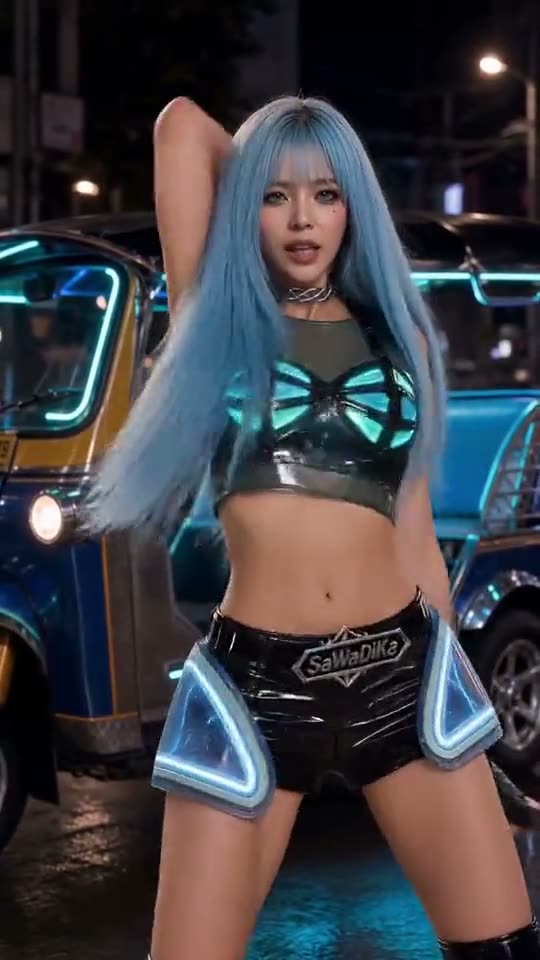
Add one photo and you dance the chorus of LISA’s SaWaDiKa: the palms-together greeting on the hook, the sharp arm hits and the hip sways, on the original beats. Ready in 3 to 8 minutes.
Updated Oct 26, 2026: Page published with eight examples.
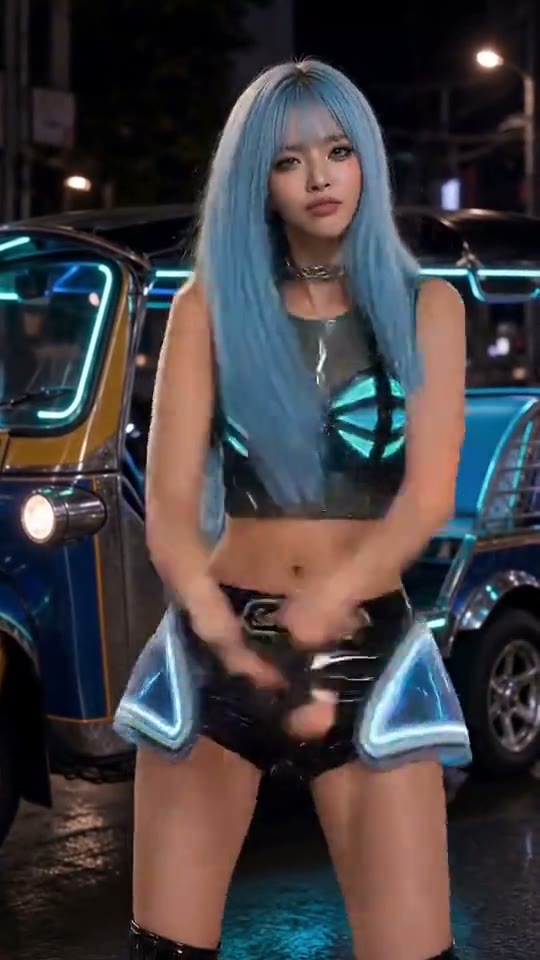 @image1
70/5000
17s × 1 credits at 720p. 3 to 8 minutes; failed renders are refunded.
About the trend
What Is the SaWaDiKa AI Trend?
SlapClip is a SaWaDiKa AI dance video generator: add one photo and a viral cover of the LISA SaWaDiKa chorus is recast with you as the dancer. The palms-together greeting, the arm hits and the hip sways stay on the beat, with your face, hair and outfit, ready in 3 to 8 minutes.
The Greeting
Palms pressed together on “Hello, SaWaDiKa,” right where the hook lands.
The Arm Hits
Sharp, clean arm accents on every beat of the chorus, step for step.
One Steady Take
Full body, front-facing and no cuts, so every move reads clearly.
Your Whole Look
Face, hair and the outfit from your photo, not a face sticker on someone else.
SaWaDiKa is the September 3, 2026 single from LISA; the title is the Thai hello, said with palms pressed together. Its chorus dance became a TikTok challenge within days, and by October people were using AI to put their own characters, friends and pets into the routine.
The original: LISA - SaWaDiKa (Official Music Video) on YouTube
Also known as: Lisa SaWaDiKa AI, SaWaDiKa AI dance, SaWaDiKa dance AI generator, Lisa SaWaDiKa dance, SaWaDiKa dance challenge, Hello SaWaDiKa
Updated Oct 26, 2026
The clip
Your photos
Your video
How to Make a SaWaDiKa AI Dance Video
Making a SaWaDiKa AI dance video takes one photo and 3 to 8 minutes. A full-body take of the chorus is already loaded in the generator at the top of this page, so there is nothing to film, no prompt to write and no editing app to learn before you start.
- 1
Keep the Clip or Pick a Take
The chorus clip is loaded for you. To start from another version, hover an example beside the generator and tap Recreate; its clip and photo load in its place.
- 2
Add Your Photo
Tap + and add one clear photo of one person or pet, full body if you have it. The face, hair and outfit in the video all come from it.
- 3
Generate and Post
The button shows the price before anything is charged. Tap Generate, then Download MP4 3 to 8 minutes later, and post it with the SaWaDiKa sound.
Who to Put in Your SaWaDiKa Video
The chorus looks best on someone with a clear, full-body photo and a bit of attitude. Pick yourself, a friend who said yes, a pet that stands still for a photo or a character you made, and the routine does the rest.
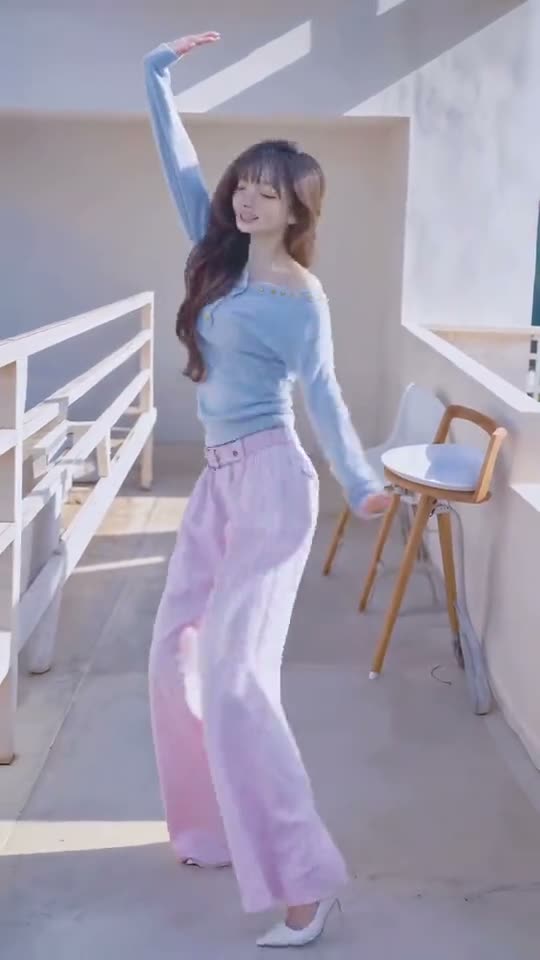
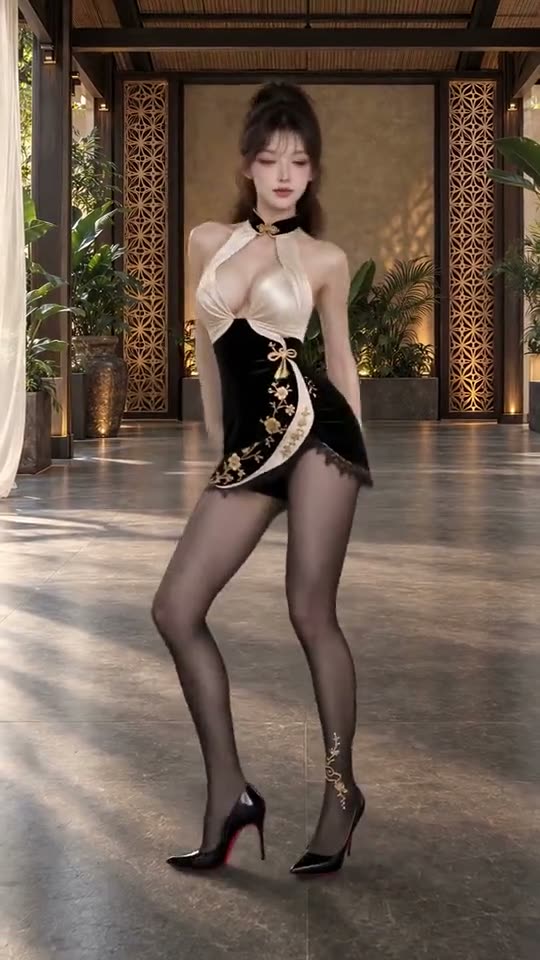
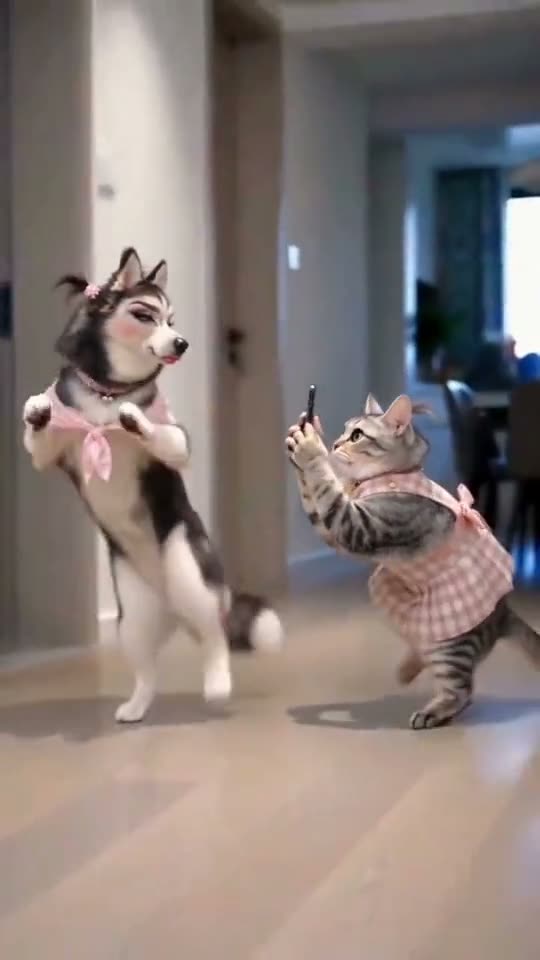
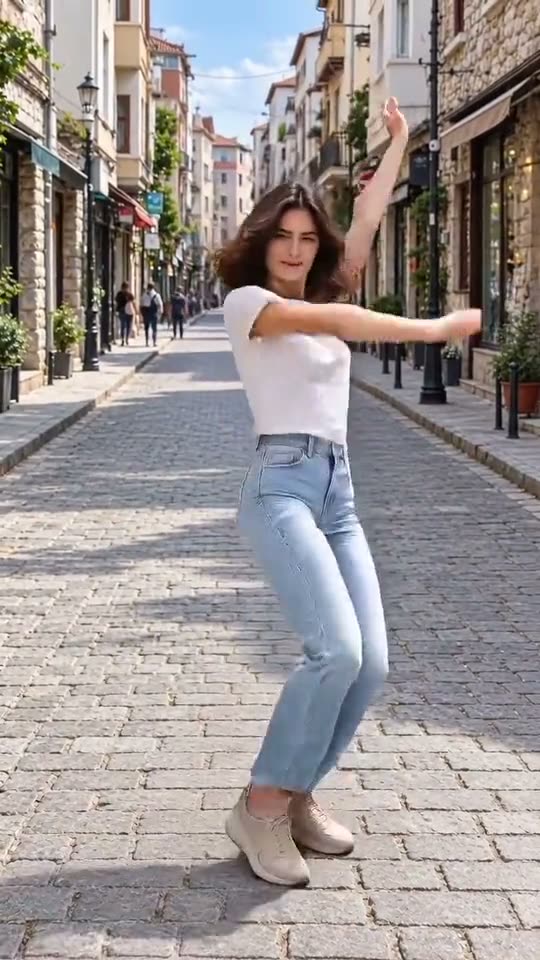
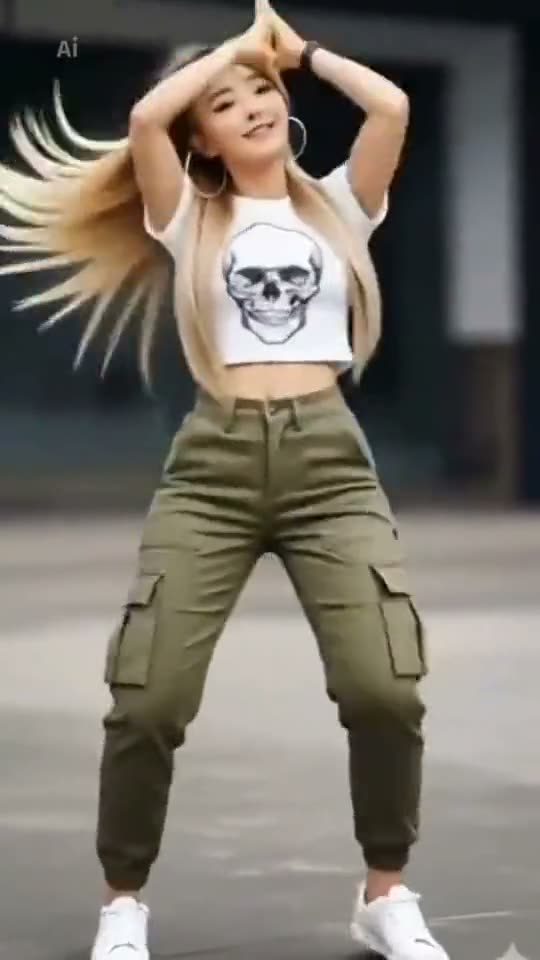
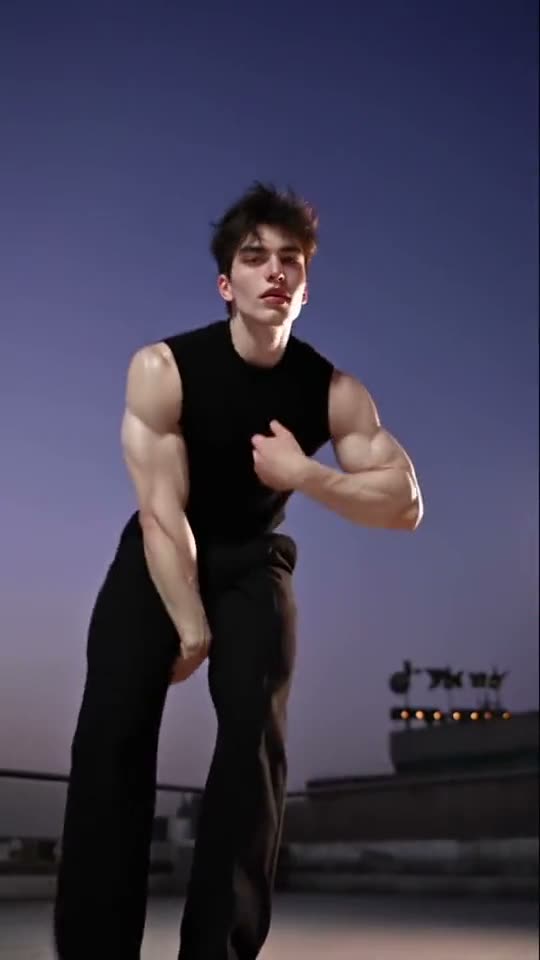
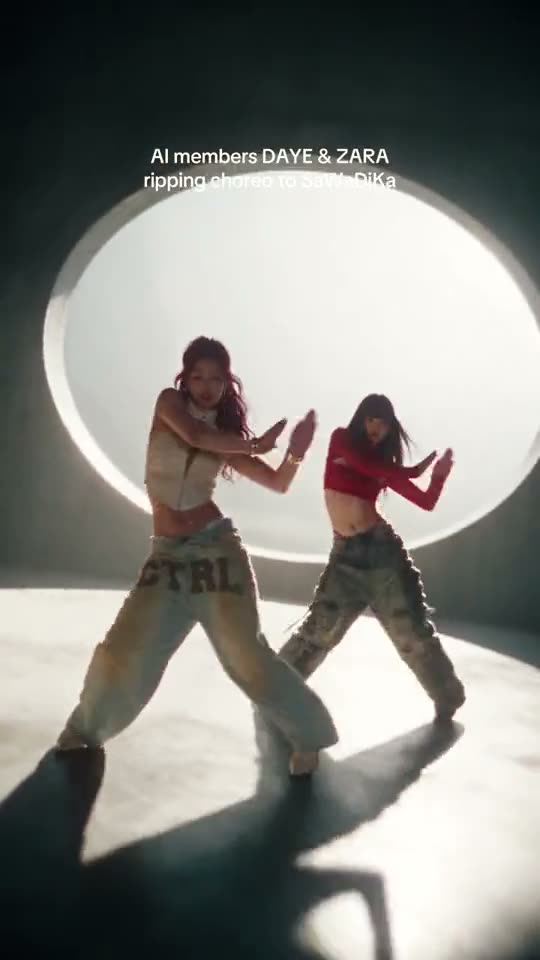
More People to Put in It
Anyone works, as long as you have a clear photo and their OK. These are the ones people make most after themselves and their pets.
- Best friends
- Partners
- AI personas
- Dance crews
- Coworkers
- Cats and dogs
Tips for a Better SaWaDiKa Video
The photo decides how much the result looks like you. A sharp, well-lit, full-body photo of one person or pet keeps the face and outfit right through the arm hits and the turns. These four habits fix most results that come out looking off.
Show the Whole Body
A full-length photo keeps the outfit and the proportions right in every move.
Dress for the Stage
A crop top and cargos for the original look, or anything bold for the camera.
Use Even Light
Daylight or a bright room keeps the face clear while the arms move across it.
Only Use Photos You May Use
Your own, or an adult’s who agreed. No children or photos of other people without their OK.
The Easiest Way to Do SaWaDiKa AI: One Photo
SlapClip recasts the whole dancer from one photo instead of pasting a face onto a video, keeps the clip’s moves and timing, shows the exact price before you start and refunds every failed render automatically. There is no dance to learn, no template to find and no prompt to write.
The Whole Person, Not a Face
Face, hair, outfit and build come from your photo, on the chorus beats.
No Template, No Prompt
The clip is set up for you. There is no CapCut template to hunt for.
Nothing to Install
It runs in the browser on a phone or a computer.
Price Shown First
Billed per second of video; the exact price is on the button before you start.
Failed Renders Refunded
If a render fails, the credits go back to your balance automatically.
Ready to Post
A vertical MP4 with no watermark, for TikTok, Reels and Shorts.
SaWaDiKa Video: Your Options Compared
There are three ways to make it: SlapClip recasts the clip from your photos, a CapCut template pastes a face onto the original, or you set up an AI video model yourself.
| SlapClip | CapCut face swap | By hand in an AI video tool | |
|---|---|---|---|
| What changes | The whole person: face, hair, outfit and build | Only the face | The whole person |
| Moves, camera and timing | Kept from the clip | The original footage | Often drift; expect several tries |
| What you need | Your photos; the clip is ready | The app and a template | The clip, a prompt and an editor |
| Ready in | 3 to 8 minutes | A few minutes | Hours, with retries |
| Price | Per second of video, shown before you start | Free or CapCut Pro | Each render on that tool |
Pay Per Video. No Subscription.
Buy a credit pack when you want to make videos, and top up when it runs out. A 720p second costs 1 credit, and the button shows the exact price before you start.
- Nothing renews
- No charge if a render fails
- Credits last 12 months
- No watermark
What a SaWaDiKa AI video costs
Priced by each example clip's length at 720p.
More Trending Memes
Try another viral trend with the same photo.
Gangnam Style AI
Three friends, one front camera, everyone gets a turn.
Dance · 7 examples
Clapping Cat AI
Your pet sits up, grins like a person and slowly claps.
Pets · 3 examples
Singing Dog AI
Your dog, a towel, a hair dryer and one big note.
Pets · 6 examples
How I Become a Millionaire AI
You ask ChatGPT how to get rich. It says get a job.
Comedy · 6 examples
AI Dog Dance
Your dog stands up and dances, paw for paw.
Pets · 7 examples
AI Cat Dance
Your cat gets up and does the paw-pose routine.
Pets · 8 examples
Dime Dime Baby AI
You bite the concha and stare into the lens.
Dance · 7 examples
Closed on Sunday AI
You stand perfectly still. The whole choir moves around you.
Music · 8 examples
You Talking Bout Me AI
Nobody was talking about you. You asked anyway.
Comedy · 8 examples
Tiny Desk AI
Headphones on, eyes closed, one outstanding note.
Music · 5 examples
SaWaDiKa AI Questions
Upload one clear photo, keep the chorus clip selected and tap Generate. The video is ready in 3 to 8 minutes, with you doing the palms-together greeting, the arm hits and the hip sways of the LISA SaWaDiKa dance, on the original beats.
No. The full-body chorus clip is already loaded, so there is nothing to learn, film, cut or prompt: you upload one photo and tap Generate. It runs in the browser on a phone or computer, and the MP4 is ready to post.
SaWaDiKa is the Thai hello, “sawasdee ka”, the polite greeting said with palms pressed together. LISA, who is Thai, made it the hook of her September 2026 single, and that greeting is the move everyone copies in the chorus dance.
No, not here. Every video is a new AI render, and the price shows on the button before you start. Free CapCut templates paste a face onto someone else’s dance, so the body, outfit and moves stay theirs instead of becoming yours.
Video costs 1 credit per second at 720p, the default. The clips here run 17 seconds, so a video is 17 credits: $11.32 at the smallest pack or $8.50 at the largest. Packs are one-time, with no subscription, and failed renders are refunded.
The sound of the chorus clip comes through with the video, so the moves land on the same beats. When you post, you can also pick the official SaWaDiKa sound from the TikTok or Instagram library and let it play under your clip.
Yes. Upload a clear photo of the whole animal and, if you like, switch on Prompt and say it stands on its hind legs. Pets are some of the most shared versions; results vary more than with people, and failed renders are refunded.
It usually takes 3 to 8 minutes, sometimes longer at busy times, and you can leave the page while it renders. The video is as long as the clip you recast and vertical, so it fits TikTok, Reels and Shorts uncropped.
Yes. Download the MP4 and post it on TikTok, Instagram Reels, YouTube Shorts or anywhere else, with no watermark. Add the SaWaDiKa sound from the platform’s library, and label the clip as AI-generated, as both platforms ask creators to do.
The credits come back to your balance automatically, with nothing to claim. A render can fail when a photo is unclear or flagged by the safety check; the status card says why, and you can change the photo and try again.
Your SaWaDiKa Video Is 3 to 8 Minutes Away
One photo in; the greeting, the arm hits and the hip sways out. Failed renders are refunded.
- No charge if a render fails
- No watermark
- Keeps the clip's shape, ready for TikTok and Reels
Your photo