
Side step, heel tap, shimmy
Babydoll Dance AI Video Generator
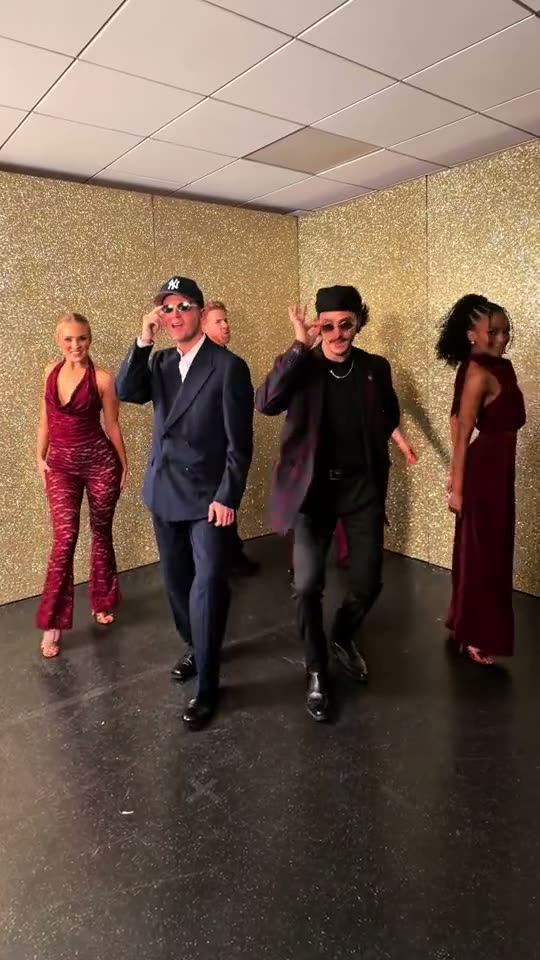
Add a photo of you, and one of a friend if you like. The studio clip is recast with you in it: the Babydoll two-step in suits and sunglasses, side steps, heel taps and the shoulder shimmy on every beat, with the song. Ready in 3 to 8 minutes.
Updated Oct 31, 2026: Page published with the studio original and seven examples.
Tap a face to swap in your friend
Add a photo of who should star in the video.
About the trend
What Is the Babydoll Dance AI Trend?
SlapClip is a Babydoll dance AI video generator: add one or two photos and the studio clip is recast with you in it. You and a friend do the Jamie Miller two-step in suits and sunglasses, side steps, heel taps and a shoulder shimmy, ready in 3 to 8 minutes.
The Two-Step
Side steps, heel taps and swinging arms, right on the beat.
Side by Side
Danced with a friend, a partner or a whole row of people.
The Song
Babydoll by Jamie Miller, the retro chorus the dance is built on.
Your Own Look
Faces, hair and outfits from your photos, down to the shoes.
The dance runs on Babydoll, a retro pop song Jamie Miller released in August 2026. He posted the two-step with friends in black suits and sunglasses, and it spread through couples, families, dance teams and TV dance shows. In October 2026 the song reached No. 1 in the UK, and AI versions let anyone join from a photo.
Also known as: Babydoll dance, Babydoll dance trend, Babydoll dance AI trend, Baby doll dance AI, Jamie Miller Babydoll dance, Jamie Miller Babydoll dance challenge, Babydoll dance challenge, Babydoll two step, Babydoll line dance, Babydoll dance AI generator, Babydoll dance with a friend, Babydoll dance couple trend
Updated Oct 31, 2026
Your photos
The clip
Your video
How to Make a Babydoll Dance AI Video
Making a Babydoll dance AI video takes one or two photos and 3 to 8 minutes. The studio clip is already loaded in the generator at the top of this page, so there is no choreography to learn, no CapCut template to search for and no friend to film the take.
- 1
Keep the Studio Clip or Pick a Take
The studio original is loaded for you. To dance somewhere else, tap Recreate on any example on this page; its clip and photo load in its place.
- 2
Add Your Photos
Tap the man in the navy suit on the clip and add your photo, then tap the man in the beret and add your friend’s. One photo is enough. Switch on Prompt to describe outfits.
- 3
Generate and Post
Checkout shows the price before anything is charged. Tap Generate, then Download MP4 3 to 8 minutes later and post it.
Who to Do the Babydoll Dance With
The trend works because two people in matching cool outfits do a tiny, perfectly timed two-step, so the best takes are a best friend, a partner or a coworker who would never dance in public. Pick the Babydoll dance AI example closest to your setting and add your photos.
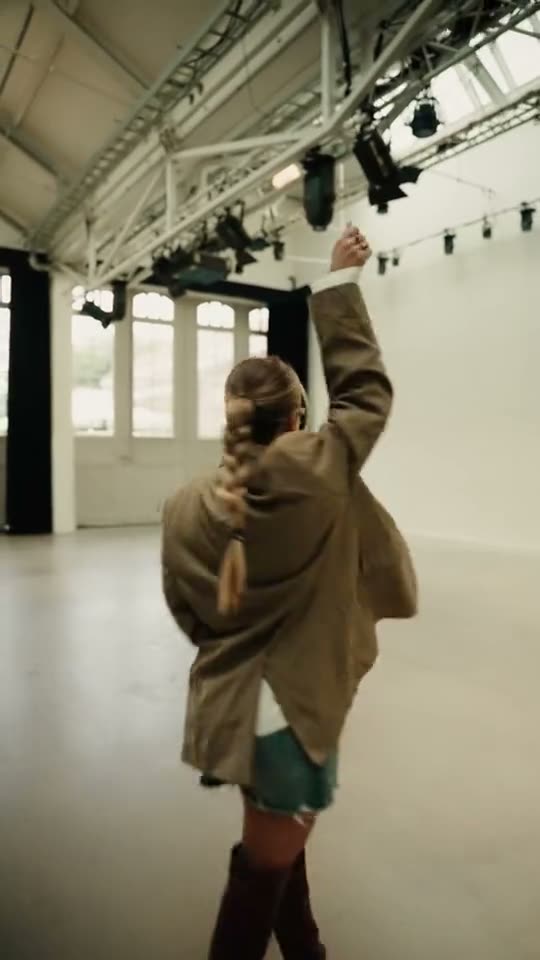
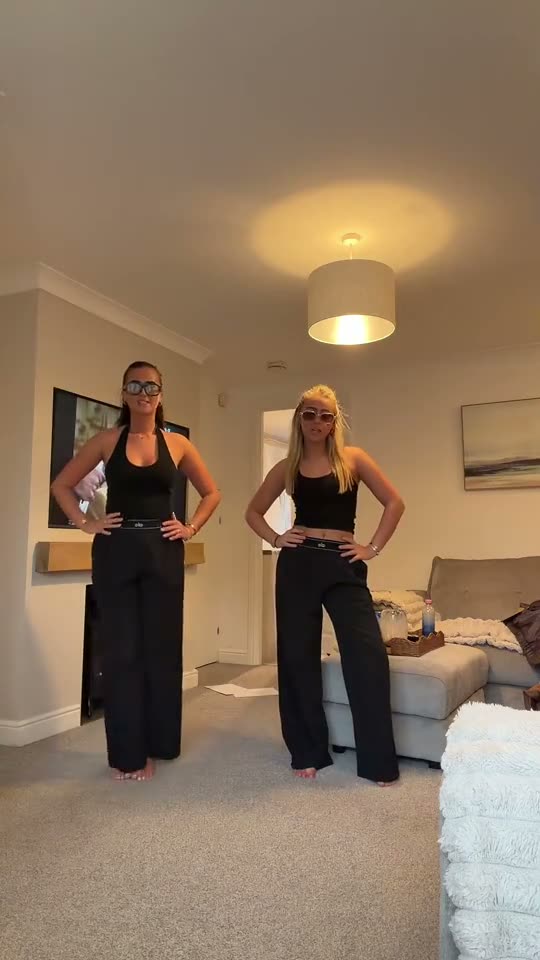
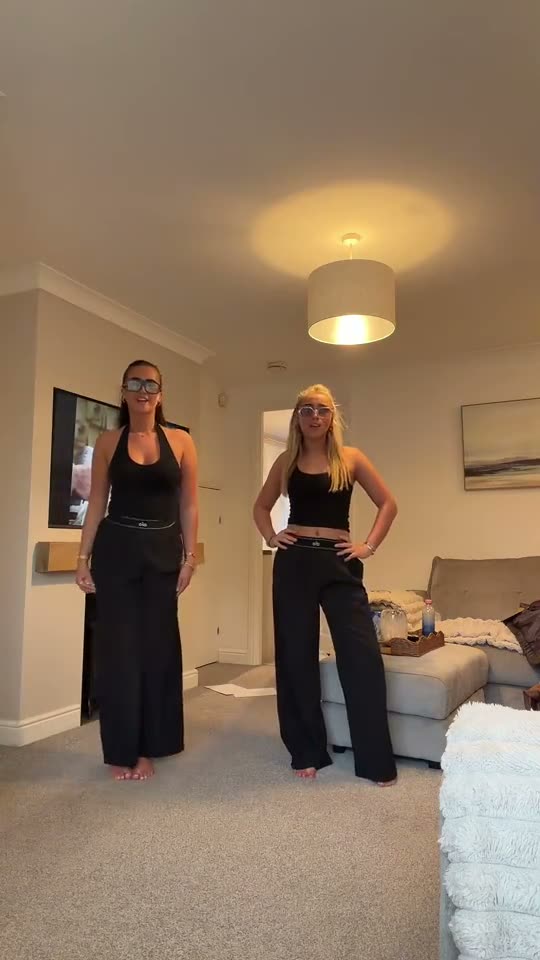
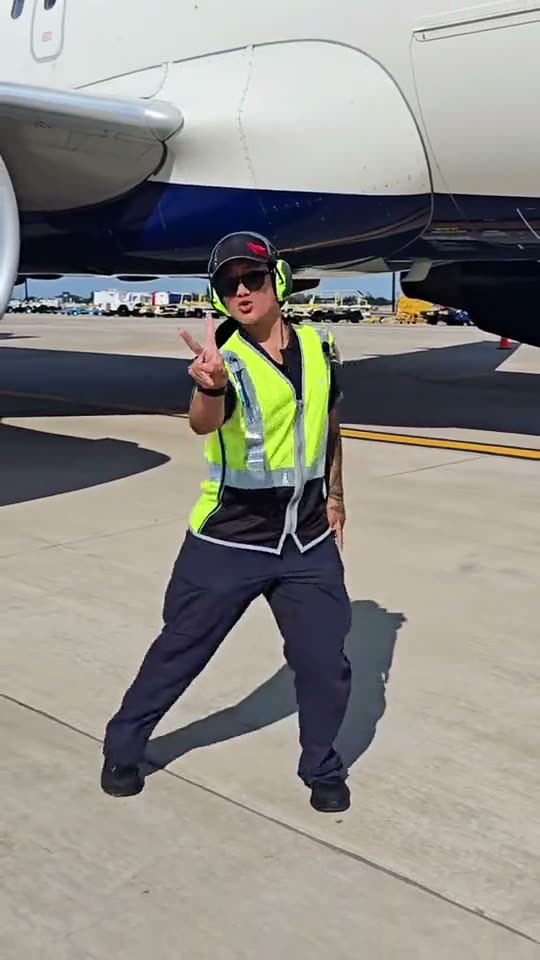
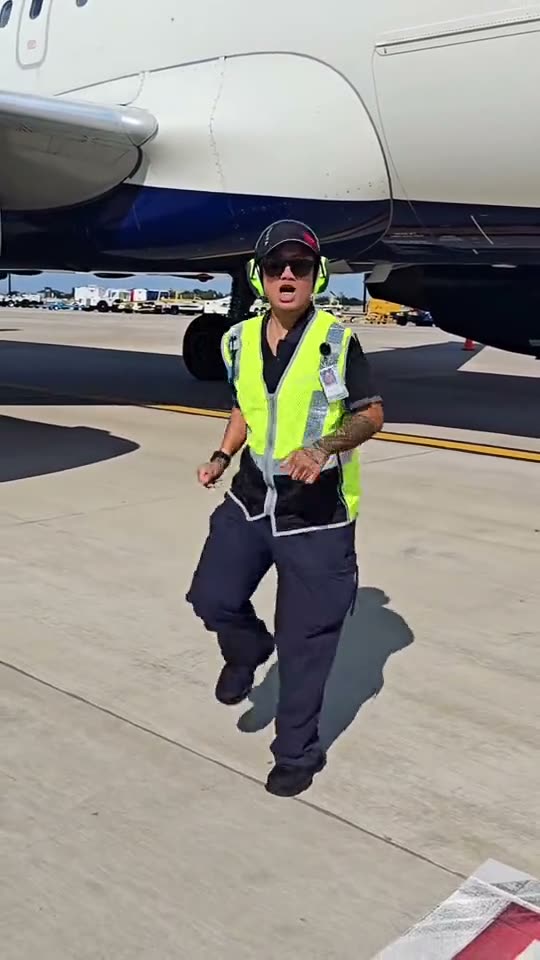
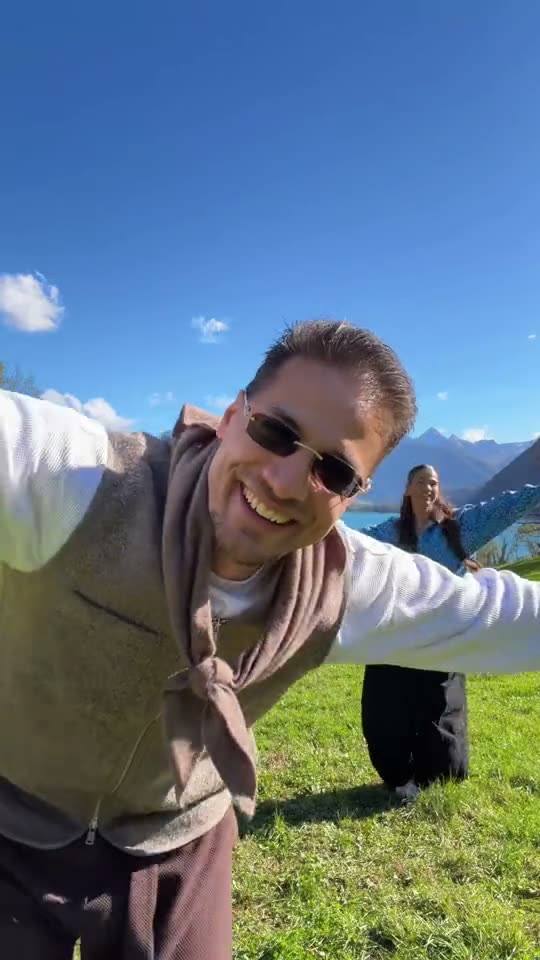
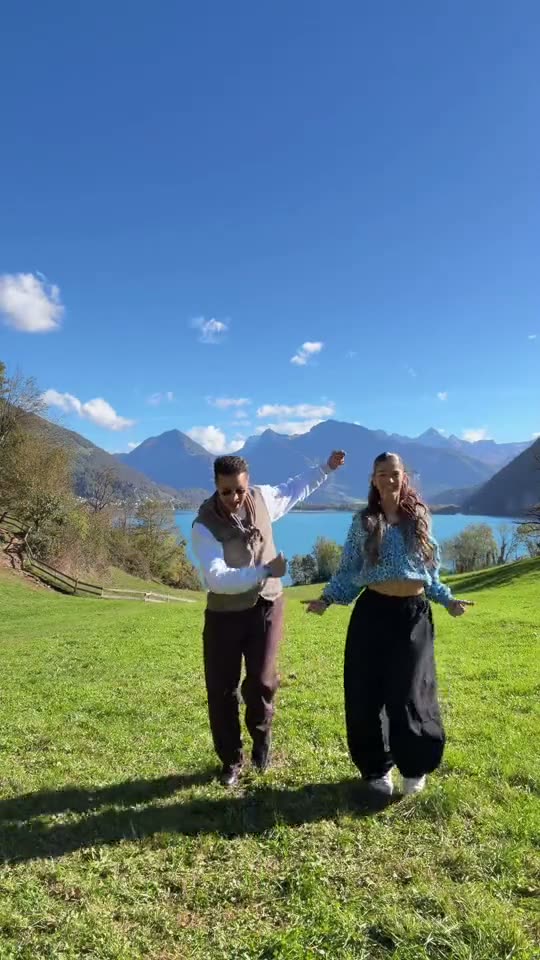
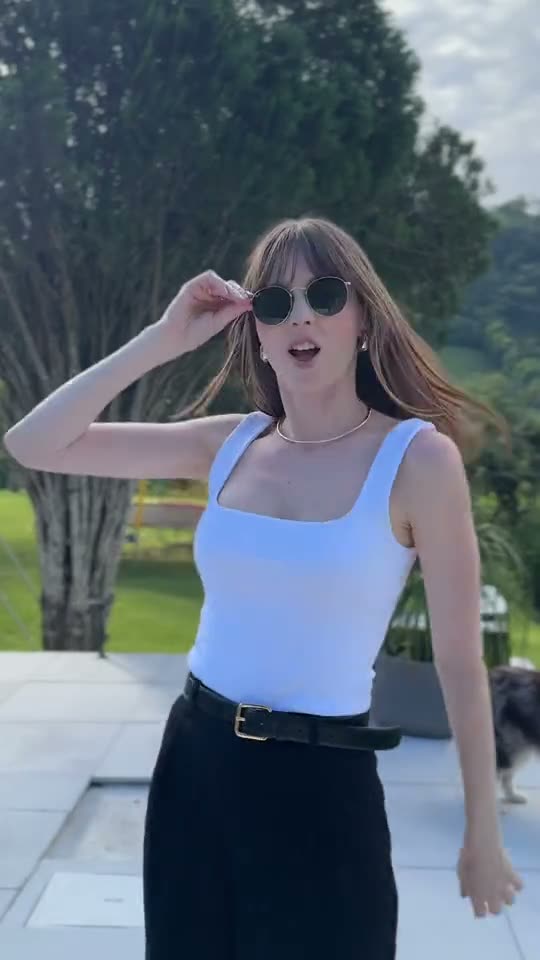
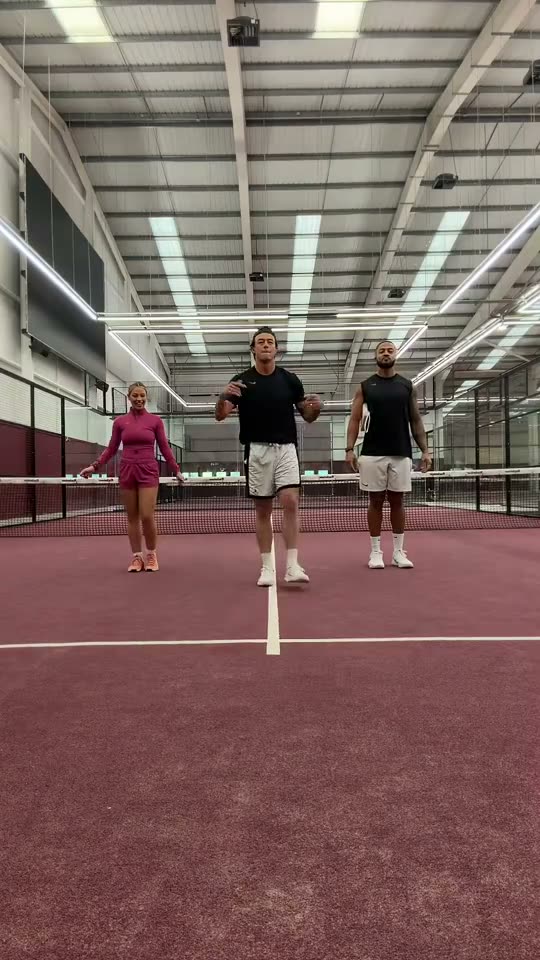
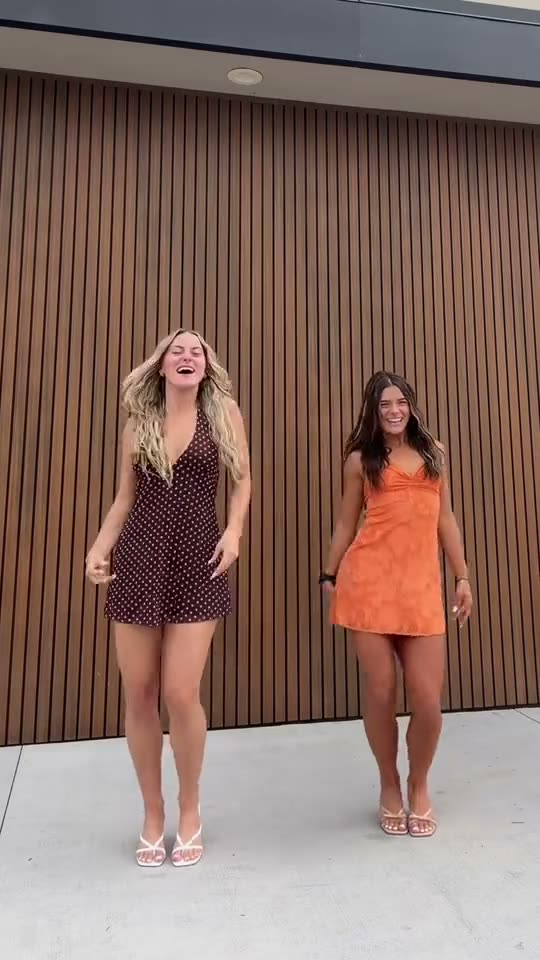
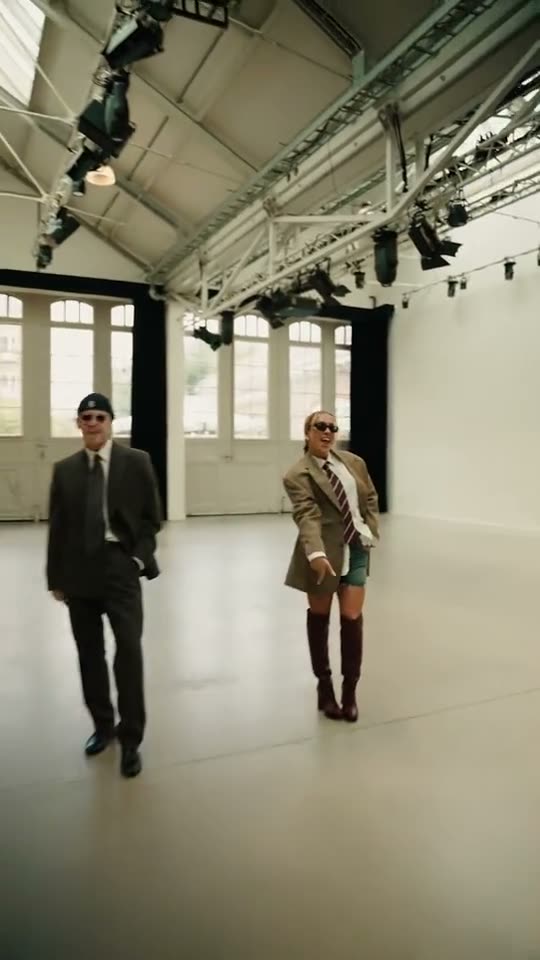
More Takes People Make
Any clear photo works, as long as you have the OK. Suits, summer dresses and sports kits all fit the two-step.
- Best friends
- Couples
- Coworkers
- Your mom
- Teammates
- Wedding guests
Tips for a Better Babydoll Dance Video
The photos decide how much the dancers look like you. The clip shows both of you full length from head to shoes, so a sharp, evenly lit photo with the face in view and most of the body in frame keeps each dancer recognisable. These four habits fix most results that look off.
Show the Face Straight On
Look at the camera, no hands in front of the face, one person per photo.
Show the Whole Outfit
Full body or waist up, so the steps and shoes are your own.
Use Even Light
Soft daylight or indoor light blends best with the studio.
Only Use Photos You May Use
Your own, or an adult’s who agreed. No children or photos of people without their OK.
The Easiest Way to Do the Babydoll Dance: Your Photos
SlapClip recasts the dancers from one or two photos instead of pasting a face onto a template, keeps every side step and heel tap on the beat, lets a friend take the second spot, shows the exact price before you start and refunds every failed render automatically.
You and a Friend
Two photos, two dancers side by side, from two separate pictures.
The Real Steps
The two-step, the arm swings and the shimmy land where the trend puts them.
Nothing to Install
It runs in the browser on a phone or a computer.
Price Shown First
One price per video, whatever its length, shown at checkout before you start.
Failed Renders Refunded
If a render fails, the video goes back to your account automatically.
Ready to Post
A vertical MP4 with sound and no watermark, for TikTok, Reels and Shorts.
Babydoll Dance Video: Your Options Compared
There are three ways to make it: SlapClip recasts the clip from your photos, a CapCut template pastes a face onto the original, or you set up an AI video model yourself.
| SlapClip | CapCut face swap | By hand in an AI video tool | |
|---|---|---|---|
| What changes | The whole person: face, hair, outfit and build | Only the face | The whole person |
| Moves, camera and timing | Kept from the clip | The original footage | Often drift; expect several tries |
| What you need | Your photos; the clip is ready | The app and a template | The clip, a prompt and an editor |
| Ready in | 3 to 8 minutes | A few minutes | Hours, with retries |
| Price | One price per video, shown before you start | Free or CapCut Pro | Each render on that tool |
Pay Per Video. No Subscription.
Buy one video when you want one, or a pack to save. Checkout shows the price before you start.
- Nothing renews
- No charge if a render fails
- Paid videos last 12 months
- No watermark
Every Babydoll Dance AI video, one price
These clips run different lengths and cost the same: $9.99 for one video.
More Trending Memes
Try another viral trend with the same photo.
Sugar on My Tongue AI
Hop in, sway, tap your chin, roll the arms.
Dance · 8 examples
Hop Hop Hop AI
You do the move in front. Your friend behind starts hopping.
Dance · 7 examples
Gangnam Style AI
Three friends, one front camera, everyone gets a turn.
Dance · 8 examples
SaWaDiKa AI
Palms together on the hook, and the dance is yours.
Dance · 7 examples
AI Dog Dance
Your dog stands up and dances, paw for paw.
Pets · 5 examples
AI Cat Dance
Your cat gets up and does the paw-pose routine.
Pets · 8 examples
Dime Dime Baby AI
You bite the concha and stare into the lens.
Dance · 7 examples
Hotel Lobby AI
You and a friend in the orange booth with the hanging mic.
Duo & Couples · 8 examples
Phone on the Train AI
Your phone rides the train. You run after it.
Comedy · 8 examples
Window Peeper AI
A lit window at night, a burger, and you staring back.
Comedy · 7 examples
Babydoll Dance AI Questions
Upload one clear photo, keep the studio clip selected and tap Generate. The Babydoll dance AI video is ready in 3 to 8 minutes: you do the two-step in a suit and sunglasses, with side steps, heel taps and the shoulder shimmy on the beat, and the song plays underneath.
Yes. Tap the man in the navy suit on the clip and add your photo, then tap the man in the beret and add your friend’s. The two photos do not need to be taken together. Both of you dance side by side in the same studio, each with your own face, hair and outfit.
SlapClip makes it in the browser from one photo, with no app to install and no template to find. A clear, front-facing selfie works, but a waist-up or full-body photo looks best, because the clip shows you from head to shoes and a close-up selfie shows little of your outfit.
It is a two-step to Babydoll, a retro pop song Jamie Miller released in August 2026. Two or more people in suits and sunglasses do small side steps, heel taps, arm swings and a shoulder shimmy in sync. It spread on TikTok through couples, families and dance shows, and the song reached No. 1 in the UK in October 2026.
Yes. The studio original is loaded by default. Tap Recreate on the living room, poolside, padel court, airport ramp or mountain lake example instead, and that clip becomes the one you are recast into, with its own setting and steps, while your face and outfit still come from your photo.
No. The clip already holds every step, so you never dance or film anything. CapCut templates paste a face onto a sample dancer; here the whole person is recast from your photo, so the body, the outfit and every two-step become yours instead of the sample’s.
Yes. The video keeps the sound of the clip you pick, so the Babydoll chorus plays under the dance. It is a vertical MP4 of 19 to 20 seconds with no watermark. You can also add the official sound in TikTok or Instagram when you post, and label it as AI-generated.
The video is as long as the clip you pick, 19 to 20 seconds here, as a vertical 9:16 MP4 with sound and no watermark. Download it and post it on TikTok, Instagram Reels or YouTube Shorts, and label it as AI-generated when you post, which both platforms ask creators to do.
One SlapClip video costs $9.99, however long its clip and whether it has one dancer or two; this one is 19 to 20 seconds of 720p. Making more? The 3-video pack is $8.33 a video and the 7-video pack $7.14. Packs are one-time, and a failed render gives the video back automatically.
No, not here. Every video is a new AI render, and the price shows at checkout before you start. Free CapCut templates paste a face onto the same sample dancer, so the body, the outfit and the steps stay the sample’s instead of becoming yours.
Your Babydoll Dance Video Is 3 to 8 Minutes Away
One or two photos in; you and your friend doing the two-step, out. Failed renders are refunded.
- No charge if a render fails
- No watermark
- Keeps the clip's shape, ready for TikTok and Reels