
The trend everyone is tired of seeing, starring you
Like Jennie AI Dance Video Generator
Add one photo and you lead the like JENNIE dance: front and center, a crowd of dancers in black behind you, a floor sequence filmed from above. Ready in 3 to 8 minutes.
Updated Nov 5, 2026: Page published with the original clip and seven examples.
Add a photo of who should star in the video.
About the trend
What Is the Like Jennie AI Trend?
SlapClip is a Like Jennie AI dance generator: add one photo and you take JENNIE’s spot in the like JENNIE choreography. You start in a close-up, hit the moves in front of a crowd dressed in black and finish with the whole group behind you, ready in 3 to 8 minutes.
The Crowd in Black
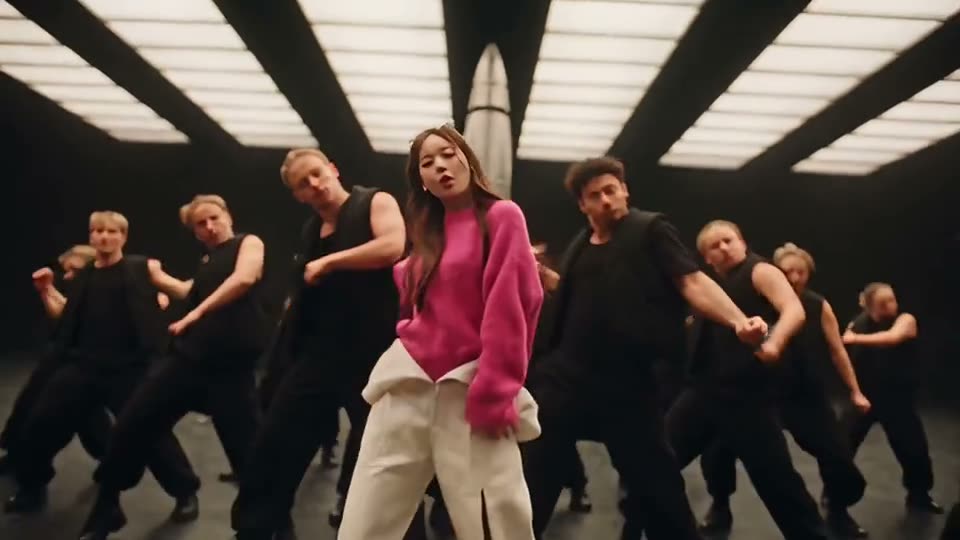
Dozens of backup dancers dressed in black, all moving behind you.
You Lead
Front and center through every hit, the only one not in black.
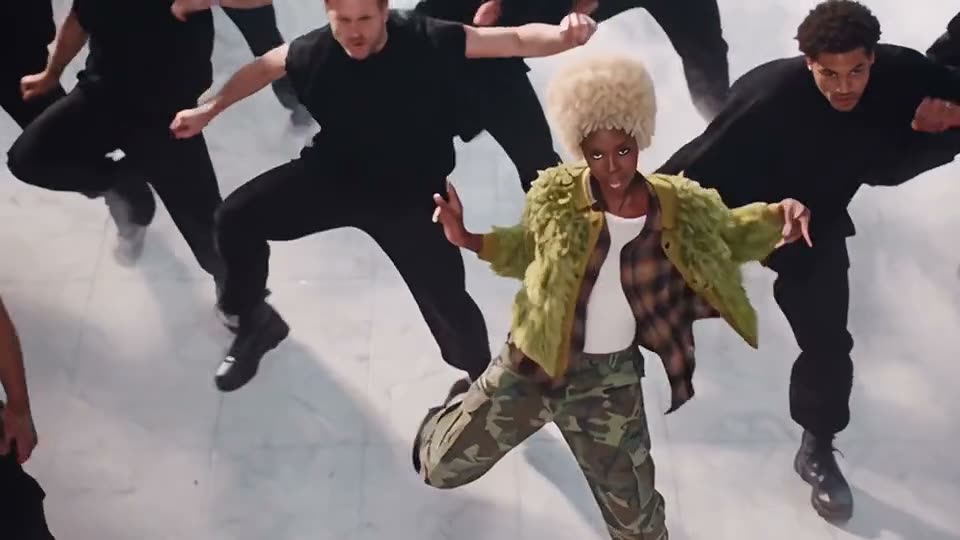
The Shot From Above
The whole group spread out on the floor, filmed straight down.
Your Whole Look
Face, hair and outfit from your photo, in every shot.
like JENNIE is a song by JENNIE, released on March 7, 2025, and its video has her leading a crowd of dancers in black through a huge dark set. In late October 2026 AI dance templates rebuilt that video with anyone in the lead, in white studios and smoky halls, and versions starring Kylie Jenner, North West and Nicki Minaj went around. On November 4, 2026 a post saying “so tired of these like Jennie AI videos” passed 900 likes on X.
The original: JENNIE – like JENNIE (Official Video) on YouTube
Also known as: Like Jennie AI, Like Jennie AI dance, Like Jennie AI trend, Like Jennie AI video, Like Jennie dance AI, Like Jennie dance trend AI, like JENNIE dance, Like Jennie trend, Like Jennie AI generator, Like Jennie AI dance generator, Like Jennie AI free, Like Jennie AI with my own photo, Me in Like Jennie AI, Lead the Like Jennie dance AI, Like Jennie white studio AI, Like Jennie backup dancers AI, Jennie dance AI trend, Jennie AI dance video
Updated Nov 5, 2026
The clip
Your video
How to Make a Like Jennie AI Video
Making the video takes one photo and 3 to 8 minutes. The original clip is already loaded in the generator at the top of this page, so there is no dance to learn, nothing to film, no template to hunt for and no prompt to write.
- 1
Keep the Original or Pick a Studio
The original clip is loaded for you. For the white studio or the smoky hall instead, tap Recreate on that example.
- 2
Add Your Photo
Tap + and add one clear photo of yourself, full body or waist up.
- 3
Generate and Post
Checkout shows the price before anything is charged. Tap Generate, then Download MP4 3 to 8 minutes later.
Pick Your Like Jennie Set
The remakes come in a few sets: the original dark hall, a bright studio under white light beams, a white studio with a glossy floor and a white hall full of smoke. The crowd in black stays; your outfit is the one thing that stands out, so pick the example that suits it.
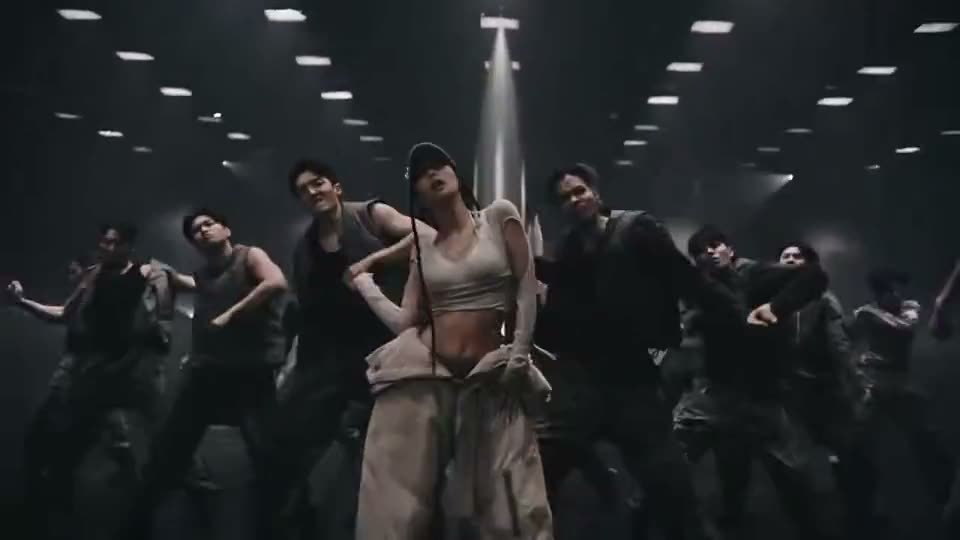
The Original Set
The dark hall, the light pillar and the crowd from the like JENNIE video.
Make yours →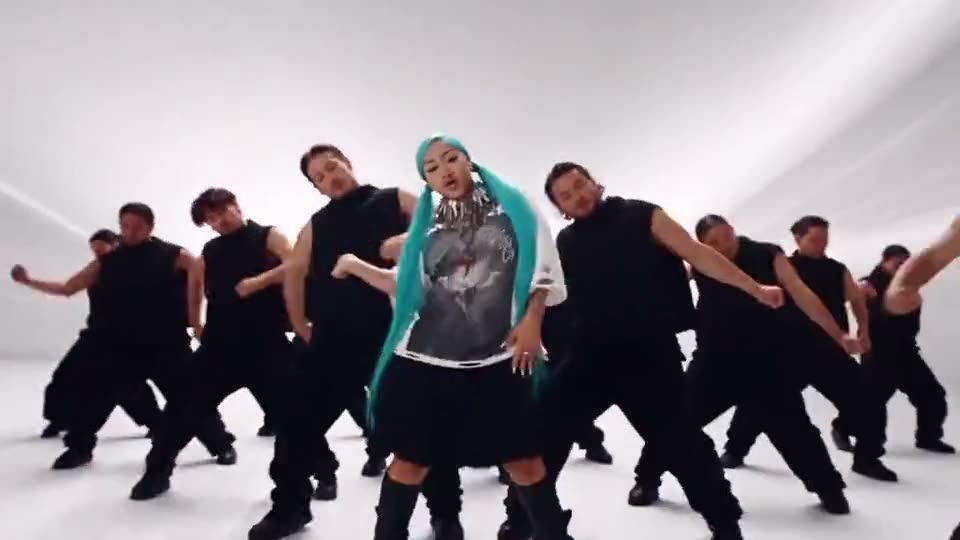
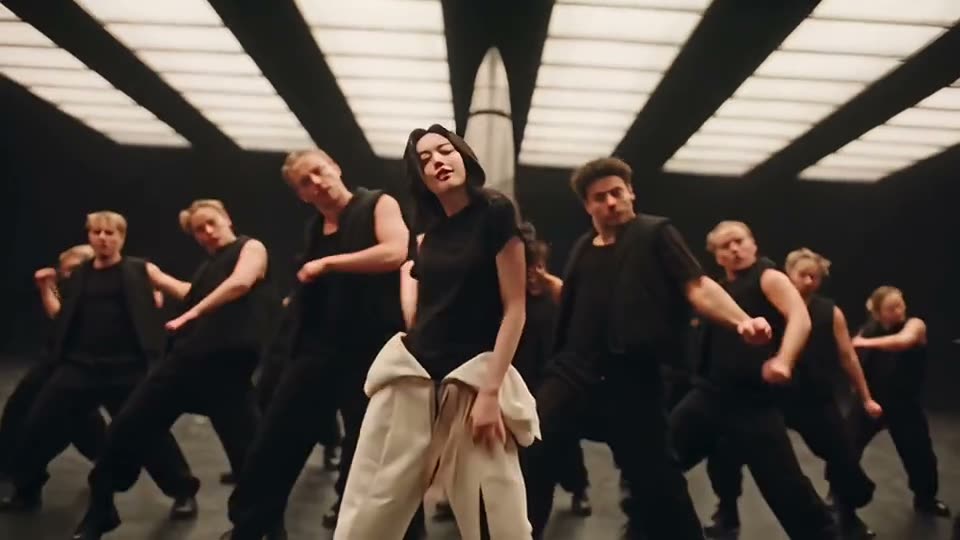
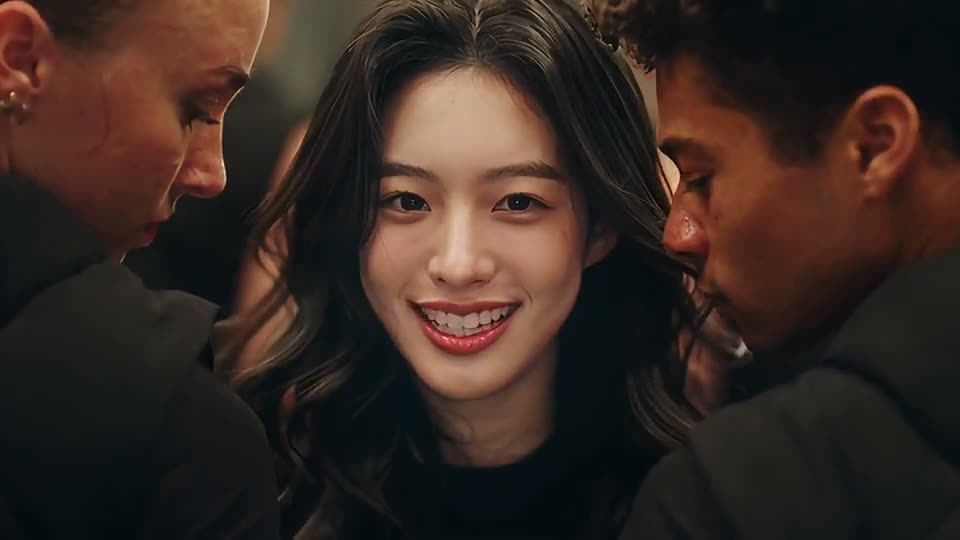
Black Tee Under the Light Beams
A black tee, a jacket tied at the waist, white beams overhead.
Make yours →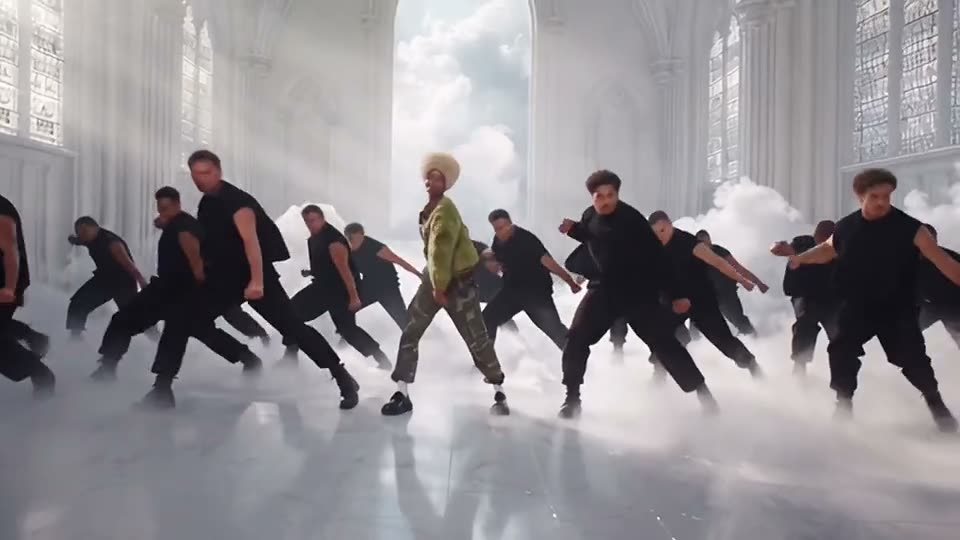
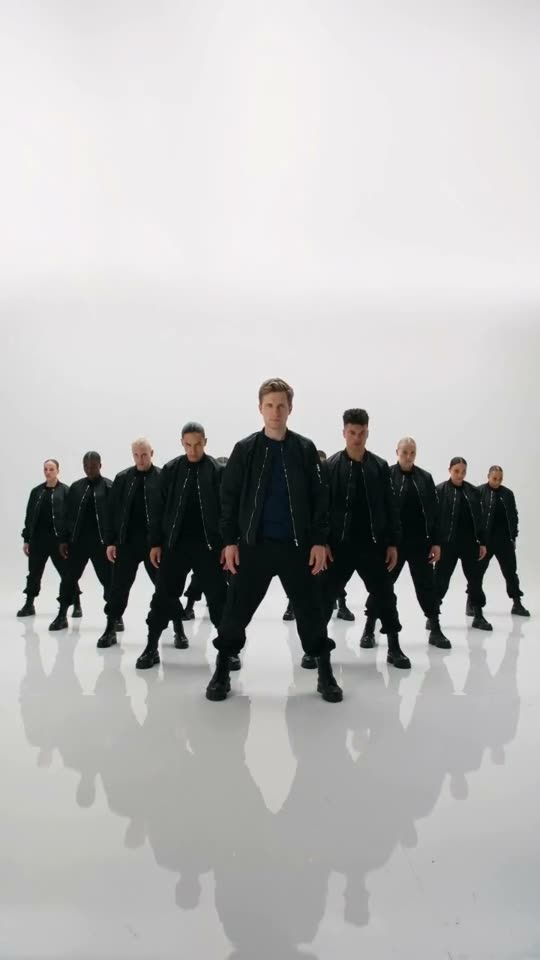
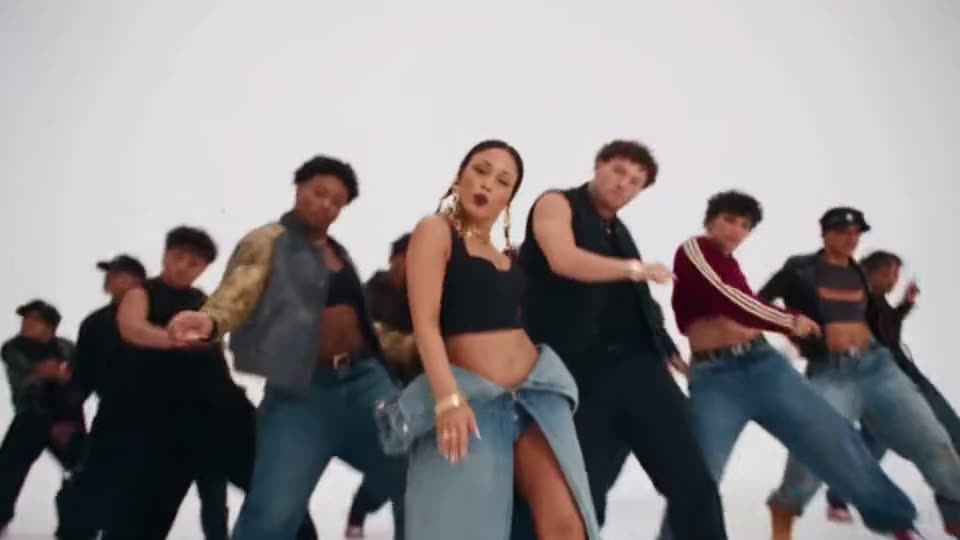
More Sets People Pick
Any clear photo of an adult works, full body looks best, with their OK. Dancers, K-pop fans and the friend who never dances get the biggest reactions.
- Yourself
- K-pop fans
- Dancers
- Your best friend
- Your boyfriend
- Group chat surprises
Tips for a Better Like Jennie Video
The clip opens on a close-up and then pulls back to the whole crowd, and the lead is the only one not dressed in black. A sharp, front-facing photo from the knees up carries your face and your outfit through every shot, and a bright outfit makes you pop against the dancers.
Full Body or Waist Up
Facing the camera, showing your outfit, not only your face.
Wear Something Light
Cream, pink or a bright jacket stands out from the crowd in black.
Use Even Light
Daylight or a bright room, no sunglasses, no heavy shadows on the face.
Only Use Photos You May Use
Your own, or an adult’s who agreed. No children or photos of people without their OK.
The Easiest Way to Do the Like Jennie Trend: One Photo
SlapClip is a Like Jennie AI maker with the original clip and seven other sets ready to use. It moves your whole body through the choreography instead of pasting a face on, keeps the crowd and the camera moves, shows the exact price before you start and refunds every failed render automatically.
The Clip Is Ready
No dance to learn, no filming, no template to find; it is already loaded.
The Whole Crowd
Dozens of dancers in black behind you, not a solo in your room.
Phone or Computer
It runs in the browser on a phone or a computer.
Price Shown First
Billed per second, priced on the button.
Failed Renders Refunded
Failed renders give the credits back.
No Watermark
An MP4 with sound and no watermark or AI badge on it.
Like Jennie Video: Your Options Compared
There are three ways to make it: SlapClip recasts the clip from your photos, a CapCut template pastes a face onto the original, or you set up an AI video model yourself.
| SlapClip | CapCut face swap | By hand in an AI video tool | |
|---|---|---|---|
| What changes | The whole person: face, hair, outfit and build | Only the face | The whole person |
| Moves, camera and timing | Kept from the clip | The original footage | Often drift; expect several tries |
| What you need | Your photos; the clip is ready | The app and a template | The clip, a prompt and an editor |
| Ready in | 3 to 8 minutes | A few minutes | Hours, with retries |
| Price | Per second of video, shown before you start | Free or CapCut Pro | Each render on that tool |
Pay by the Second. No Subscription.
Buy a credit pack when you want to make videos, and top up when it runs out. A 720p second costs 1 credit, and the button shows the exact price before you start.
- Nothing renews
- No charge if a render fails
- Credits last 12 months
- No watermark
What a Like Jennie AI video costs
Priced by each example clip's length at 720p.
More Trending Memes
Try another viral trend with the same photo.
Patrick Jane AI
Three-piece suit. Zero rhythm. Total confidence.
Dance · 6 examples
Rick Roll AI
You are the Rick Roll.
Dance · 8 examples
Carlton Dance AI
You do the Carlton.
Dance · 8 examples
Crazy Frog AI
You ride the invisible motorbike.
Comedy · 8 examples
Alors On Danse AI
You play, your friend hypes.
Duo & Couples · 8 examples
Thriller Dance AI
You lead the zombie crowd.
Dance · 8 examples
Jim Carrey Dance AI
Point, scold, shrug, walk off.
Dance · 7 examples
Jisoo Addicted Dance AI
Dance the Addicted challenge with Jisoo or Rosé.
Dance · 6 examples
Smooth Criminal Dance AI
Hand at the neck, lean, kick, glide.
Dance · 8 examples
24k Magic AI Dance
Fists to the chest, then dance on a cruise ship deck.
Dance · 7 examples
Like Jennie AI Questions
Upload one clear photo, keep the original clip selected and tap Generate. The Like Jennie AI video is ready in 3 to 8 minutes: you lead the like JENNIE choreography in front of a crowd of dancers in black, with the close-up, the shot from above and the group finish.
SlapClip does, in the browser, from one photo. The page has the original clip loaded and seven other sets to pick from, a white studio, a bright hall under light beams and a white hall full of smoke, each one a real example you can tap Recreate on.
Because the template makes anyone look like a pop star with fifty dancers: one photo and you are front and center in the like JENNIE video. Versions with celebrities went around in late October 2026, then everyone made their own, and by November 4 people were posting that they were tired of seeing them, which only spread it further.
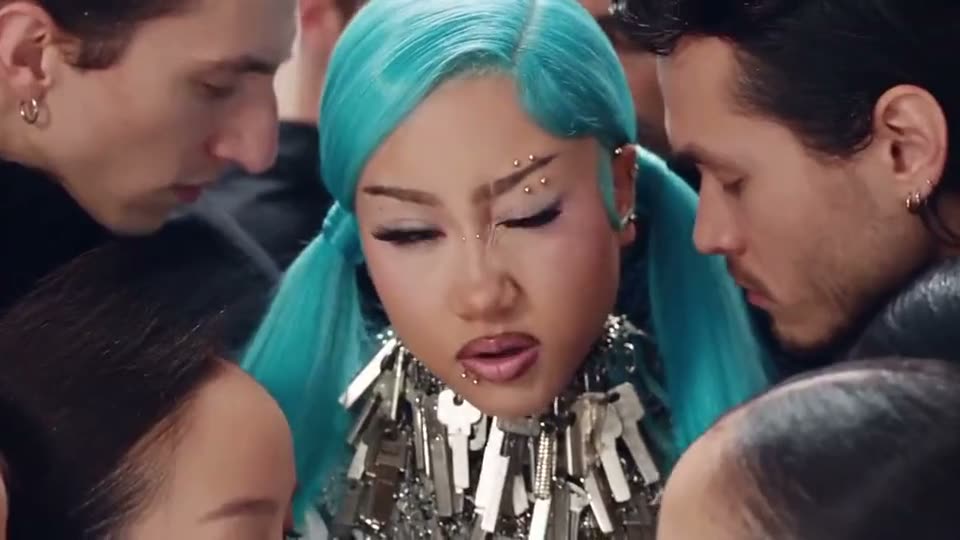
Yes. Tap Recreate on the teal hair, bomber jacket or denim crew example for the white studio, or on the green jacket or striped shirt example for the white hall full of smoke. Your photo supplies the face, hair, build and outfit; the dancers, the set and the moves come from the clip you picked.
No, SlapClip is paid, not free: this 7 to 20 second clip is 7 to 20 credits at 720p, $4.66 to $13.32 at the smallest pack, with no subscription or watermark. Free face swap apps exist, but they paste a face onto someone else instead of recasting you. A failed render gives the video credit back automatically.
Yes. You do not record, learn or rehearse anything: the moves, the camera and the dancers are all in the clip, so you only add a photo. The finished MP4 already has you hitting every beat of the like JENNIE dance in front of the crowd, from the close-up to the shot from above.
like JENNIE by JENNIE, from her 2025 album Ruby. Your video keeps the sound of the clip you pick; add like JENNIE from the TikTok or Instagram sound library when you post if you want your video on the song’s page.
The original clip is 20 seconds and the examples run 7 to 20 seconds, all with sound and no watermark. Download the MP4 and post it on TikTok, Instagram Reels or YouTube Shorts, and label it as AI-generated when you post, which these platforms ask creators to do.
A clear selfie works, but the lead is on screen from head to toe for most of the clip, so a full-body or knees-up photo of one person, facing the camera in good light, gives the closest match. The outfit in the photo is the outfit you dance in.
Yes, with their OK. Each video has one lead, so add one clear photo of your friend instead of yourself. For a group chat, make one video per friend in a different set each and post them as a series.
Your Like Jennie Video Is 3 to 8 Minutes Away
One photo in; you leading the like JENNIE dance in front of a crowd in black, out. Failed renders are refunded.
- No charge if a render fails
- No watermark
- Keeps the clip's shape, ready for TikTok and Reels