
No Scrubs AI Video Generator
Add up to three photos and make a No Scrubs AI trio video with the silver set, fast close-ups, synchronized dance and overhead finish. Ready in 3 to 8 minutes.
Updated Nov 16, 2026: No Scrubs AI page published with the clean original and seven trio remakes.
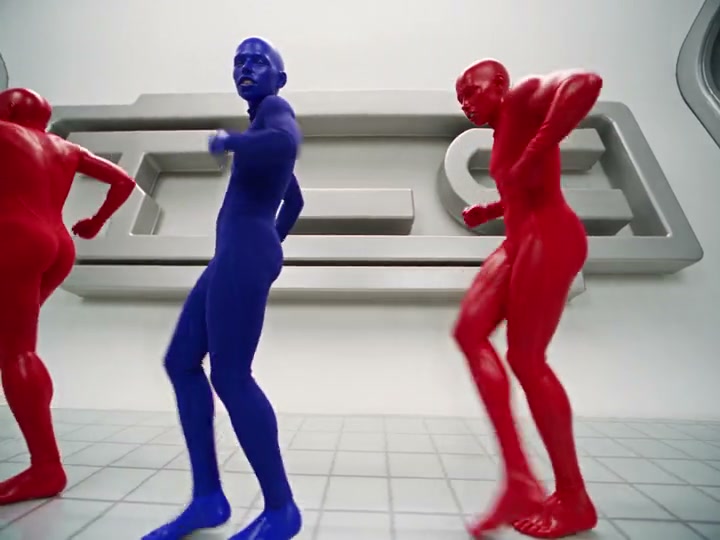
1Tap a face, add a photo
0 of 3 faces filled. The rest stay as they are.
2Quality
Add a photo of who should star in the video.
About the trend
What Is the No Scrubs AI Trend?
The look comes from TLC’s 1999 “No Scrubs” music video, especially its futuristic silver set, direct-to-camera performances and trio choreography. AI remakes began circulating on short-video platforms in early November 2026, then spread through versions starring friends, sports teams, television casts and one person repeated in all three roles.
SlapClip is a No Scrubs AI video generator: upload up to three photos and those people replace the trio in a polished silver-set dance. The result keeps the synchronized steps, close-ups, overhead angle and fast music-video cuts, and the finished MP4 is normally ready in 3 to 8 minutes.
The original: TLC’s “No Scrubs” official music video
Also known as: No Scrubs AI dance, TLC No Scrubs AI
Updated Nov 16, 2026
How to Make a No Scrubs AI Video
Making the clip takes three choices and no filming. The clean source video is already loaded, each colored dancer can be selected on the stage, and every photo goes into the role you choose. The generator preserves the dance and camera edit while changing the people.
- 1
Choose the Dancers
Tap the center, left or right dancer on the source still. Add one photo to replace one dancer, two for a duo or three for the full trio.
- 2
Add Clear Photos
Use separate front-facing photos with visible faces, natural light and no sunglasses. Waist-up or full-body pictures give the model useful hair, build and clothing details. On a computer? Scan the code to add photos from your phone.
- 3
Generate and Download
Check the price shown on the button, tap Generate and wait 3 to 8 minutes. Download the finished MP4, then add the licensed sound inside the platform where you post it. On a computer, Get it on your phone opens the video on your phone.
Pick Your No Scrubs AI Trio
The joke works whenever the three people share a recognizable connection. Matching outfits make the formation read instantly, while contrasting personalities make each close-up funnier. Start with a friend group, sports lineup or work team whose members will recognize one another as soon as the first wide shot appears.
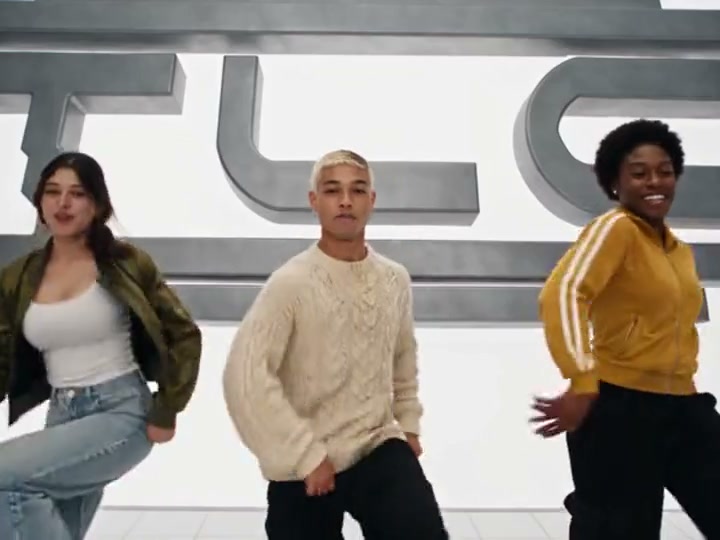 From 1 photo
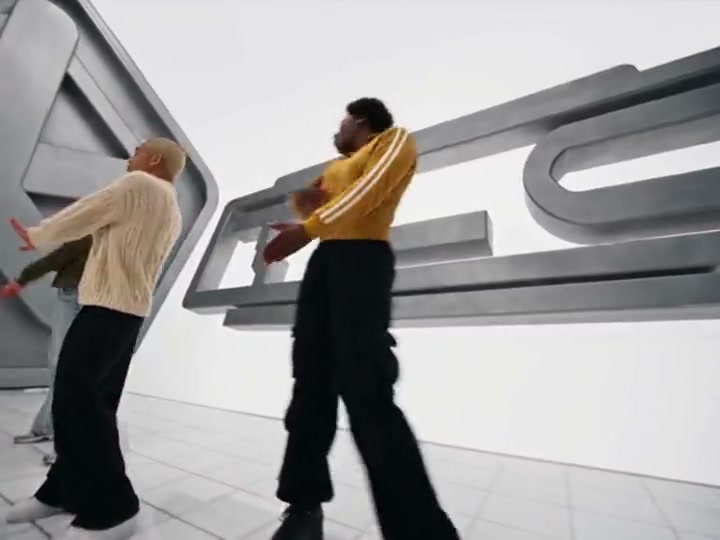
Your Friend Group
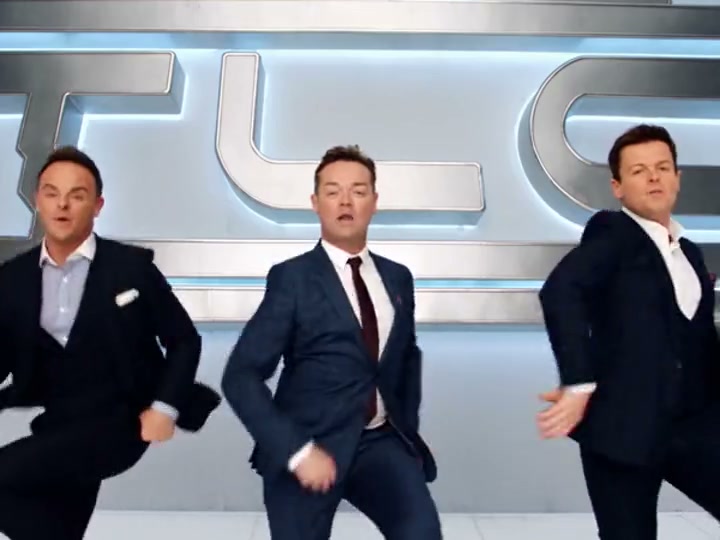
Put the three people from the group chat into matching positions and send the finished clip back without warning.
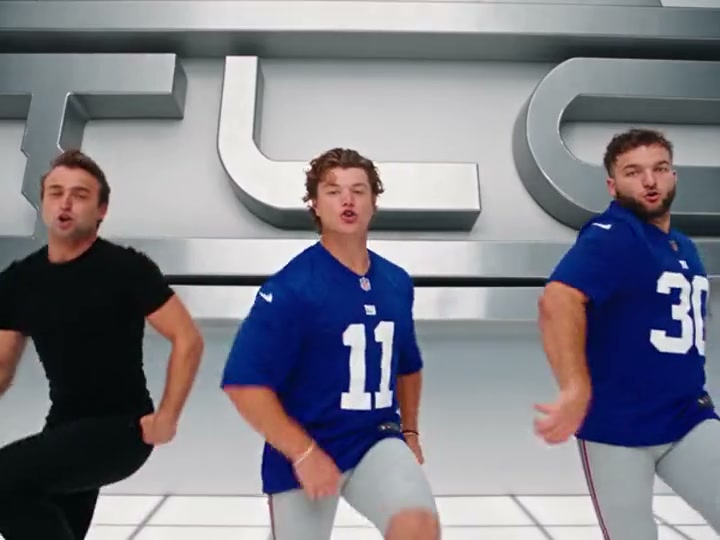 From 1 photo
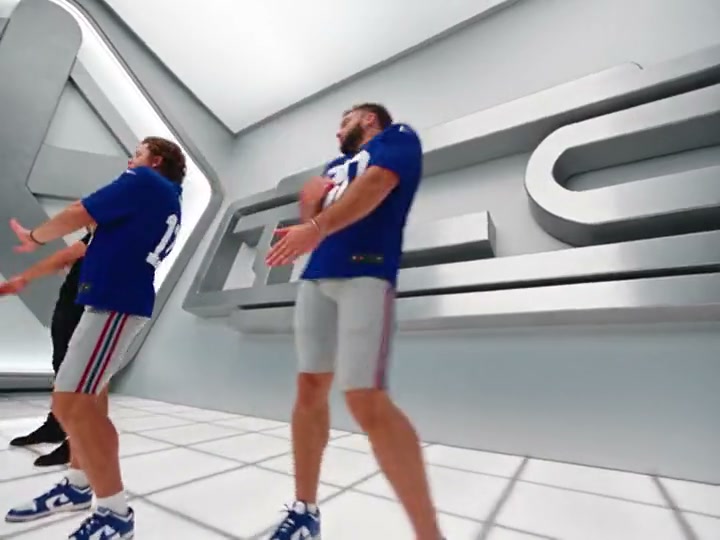
A Sports Lineup
Use three teammates or fans in their jerseys so the synchronized formation looks like a victory routine.
 From 1 photo
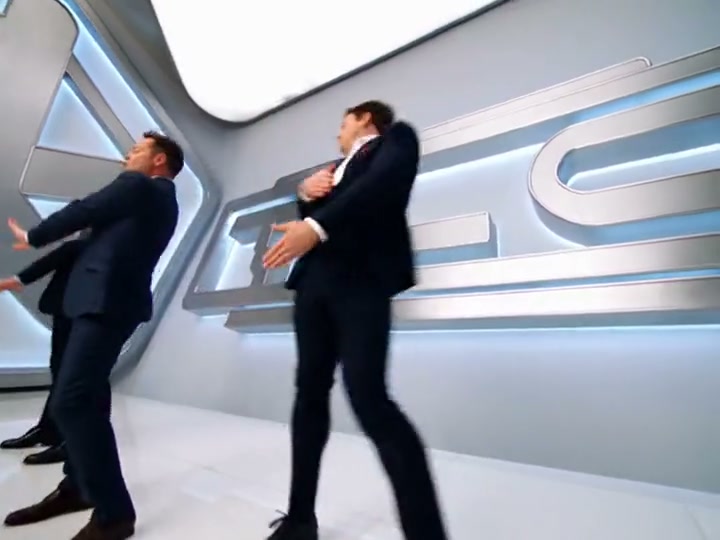
The Office Trio
Choose three coworkers in suits for a polished music-video entrance that is far more confident than Monday morning.
 From 1 photo
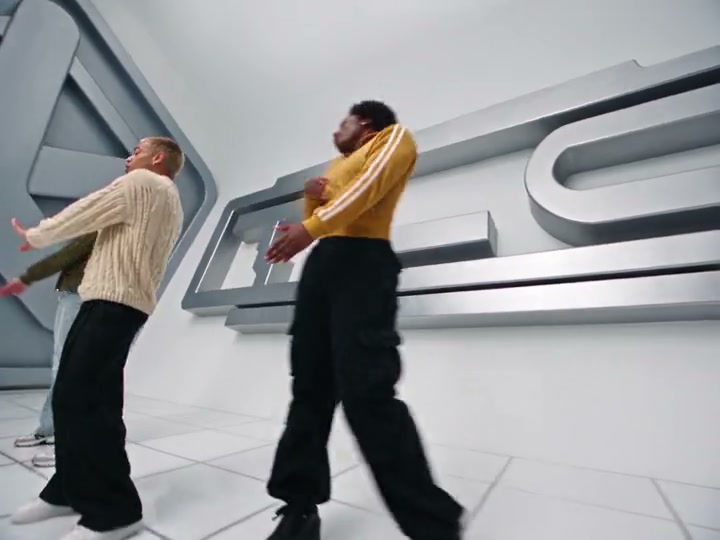
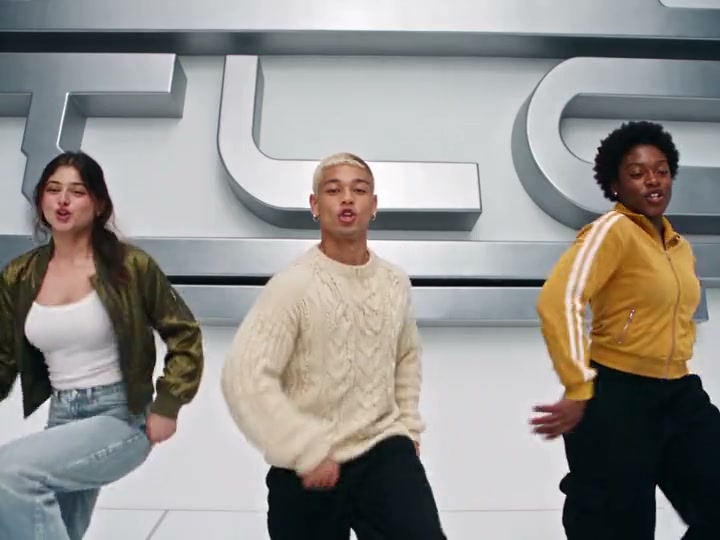
One Person Three Times
Upload the same person for all three roles and turn a solo portrait into a complete synchronized group.
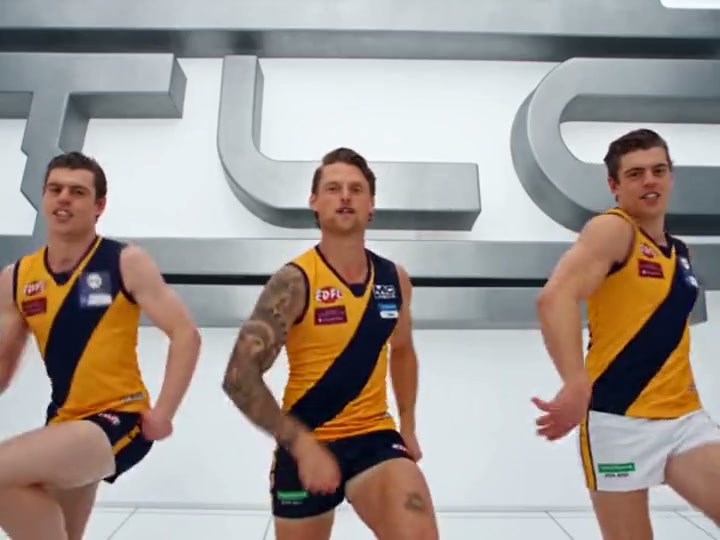
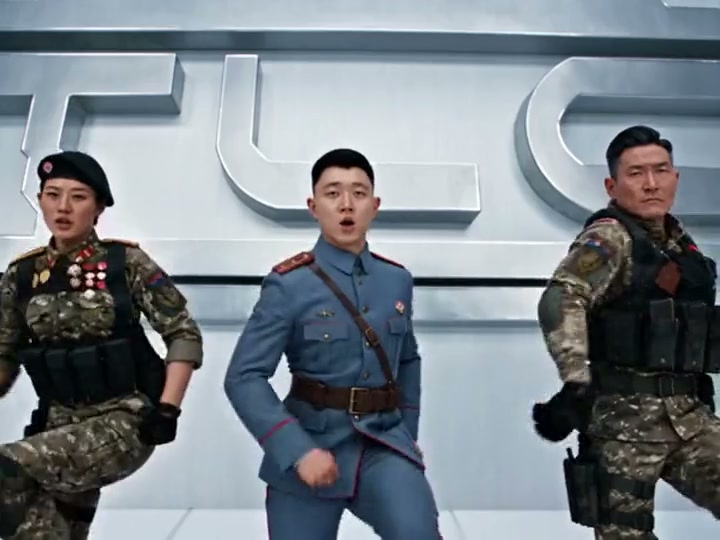
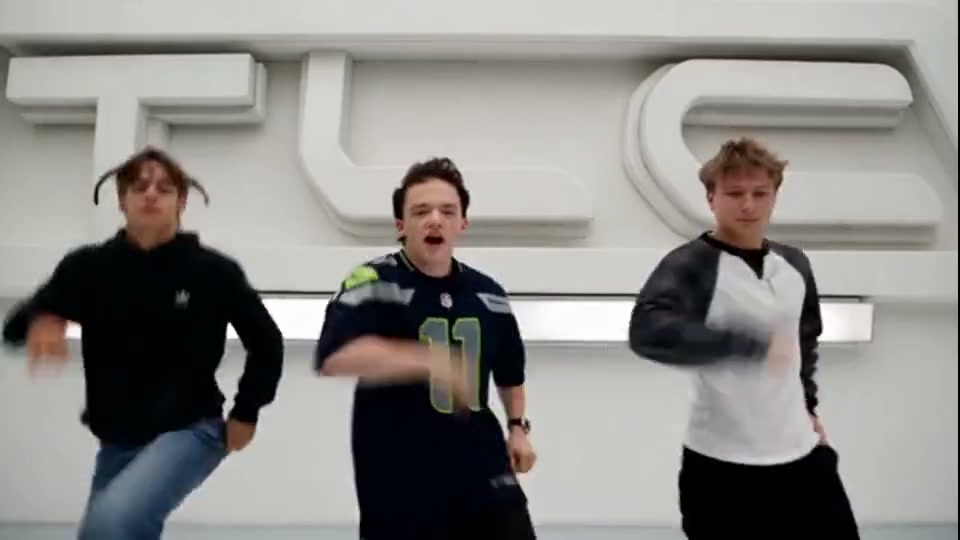
More Trios That Work
Family members, bandmates, cofounders, bridesmaids and recurring characters all read quickly. Use adults who agreed to be included, and keep every source photo sharp enough that the face remains recognizable through the rapid close-ups.
Best friends, Siblings, Coworkers, Teammates, Bandmates, Bridesmaids
Tips for a Better No Scrubs AI Video
Three consistent identities matter more than a perfect background. Give each role one sharp, front-facing person with visible hair and shoulders, avoid group photos where faces overlap, and choose images with similar lighting. Clear clothing details also help every dancer stay recognizable when the edit changes angle or distance.
One Person Per Photo
Separate pictures prevent the generator from mixing faces, hairstyles and outfits between the three roles.
Use Even Front Light
Daylight or a bright room keeps facial features clear during the fast close-ups.
Show the Outfit
Waist-up or full-body photos give the dance a consistent jacket, jersey, dress or shirt.
Get Permission
Use your own photos or images of adults who agreed to appear in the remake.
The Fastest Way to Make the Trio Dance
SlapClip keeps the No Scrubs AI source, role picker and seven finished examples together on one page. The generator changes whole people instead of pasting faces over colored bodies, previews the exact price before checkout, returns credits after a failed render and produces a clean MP4 ready for editing or posting.
- Your photoYour video
Pick Every Role
Tap the center, left and right dancers so each photo lands where intended.
- 123
Tap Who You Replace
Tap a face right on the video. Each one is numbered, and the faces you skip stay as they are.
- Scan for phone photosOn your phone
Phone or Computer
On a computer? Scan a code and the photos on your phone show up here in seconds. When the video is done, scan again to open it on your phone and post.
480pquick test
720pready to post
1080psharpest
Pick Your Quality
480p for a quick test, 720p to post, 1080p when it has to look sharp. Choose for each video, and a failed render costs you nothing.
No Scrubs AI Video: Your Options Compared
There are three ways to make it: SlapClip recasts the clip from your photos, a CapCut template pastes a face onto the original, or you set up an AI video model yourself.
| SlapClipRecommended | CapCut face swap | By hand in an AI video tool | |
|---|---|---|---|
| What changes | The whole person: face, hair, outfit and build | Only the face | The whole person |
| Who gets swapped | Tap any face; the rest stay as they are | The face the template picks | Written into the prompt |
| Moves, camera and timing | Kept from the clip | The original footage | Often drift; expect several tries |
| What you need | Your photos; the clip is ready | The app and a template | The clip, a prompt and an editor |
| Ready in | 3 to 8 minutes | A few minutes | Hours, with retries |
| If a render fails | Credits come back on their own | Free to try again | Depends on the tool |
Simple Pricing. No Subscription.
Buy a credit pack when you want to make videos and top up when it runs out. Nothing renews, and the Generate button shows the exact price before you start.
Starter
Your first video
$9.99one time
- 15 credits · $0.67 each
- About 1 No Scrubs AI video at 480p
- 480p, 720p or 1080p
- Most popular
Popular
A few trends, a few friends
$24.99one time
- 45 credits · $0.56 each
- About 2 No Scrubs AI videos at 720p
- 480p, 720p or 1080p
Pro
For regular posting
$49.99one time
- 100 credits · $0.50 each
- About 5 No Scrubs AI videos at 720p
- 480p, 720p or 1080p
A 20 second No Scrubs AI video costs
- 480p10 creditsquick test
- 720p20 creditsready to post
- 1080p60 creditssharpest
Have a clip of your own?
Put yourself into any video with one photo, not just this trend.
More Dance Trends
Try another viral trend with the same photo.
Wednesday Dance AI
One photo. Dead serious. Every move.
Dance · 4 examples
Huss Huss Huss AI
One photo. Every huss. No rehearsal.
Dance · 4 examples
Can I Ride Dance AI
Two photos. One duo. Zero rehearsal.
Dance · 8 examples
Napoleon Dynamite Dance AI
Sweet moves. Your face. Vote for Pedro.
Dance · 6 examples
Patrick Jane AI
Three-piece suit. Zero rhythm. Total confidence.
Dance · 6 examples
Like Jennie AI
Front and center. Fifty dancers behind you.
Dance · 8 examples
Rick Roll AI
You are the Rick Roll.
Dance · 8 examples
Carlton Dance AI
You do the Carlton.
Dance · 8 examples
Thriller Dance AI
You lead the zombie crowd.
Dance · 8 examples
Jim Carrey Dance AI
Point, scold, shrug, walk off.
Dance · 7 examples
Want a different move? See every dance in our AI dance generator
Explore other kinds of videos
Want a different meme? Every trend is in our AI meme video generator.
Helpful Guides
Tutorials, photo tips and fixes, starting with this trend.
- IdeasNo Scrubs AI: One Selfie or Three Photos? The Trio Trend Explained (2026)
- Best photosBest Photos for AI Meme Videos: 8 Tips So It Looks Like You (2026)
- IdeasHow Much Does an AI Meme Video Cost? 7 Ways to Spend Fewer Credits (2026)
- Fix a problemAI Video Face Looks Off? How to Fix Faces, Hands and the Wrong Person (2026)
No Scrubs AI Questions
Upload one to three clear photos, tap the colored dancer each person should replace and press Generate. The ready source clip supplies the silver room, choreography, camera moves and cuts, so nobody needs to dance or film. The result normally arrives as a downloadable MP4 in 3 to 8 minutes.
No. One photo can replace only the dancer you choose while the other two stay as they are. Use three different people, two people, or the same person in all three roles. If one person should fill every spot, add the same sharp portrait to the center, left and right slots.
The visual language comes from TLC’s 1999 “No Scrubs” music video, with its futuristic silver environment, direct close-ups and synchronized group performance. The recent AI version turns a short sequence into a reusable recast, letting friend groups, teams and fictional ensembles occupy the three positions without filming new choreography.
The examples run 19 to 20 seconds, long enough to include the trio formation, individual close-ups, low camera angle and overhead finish. That duration fits TikTok, Reels and Shorts without another edit. You can trim the downloaded MP4 later, but keeping the complete sequence makes the visual change between all three dancers clear.
The current 720p examples cost 19 to 20 credits, or $12.65 to $13.32 from the smallest credit pack. The exact amount appears on the Generate button before checkout, with no subscription required. Credits are only charged when the render starts, and a failed render returns the video credits automatically rather than pretending it succeeded.
Use one adult per photo, facing the camera, with the face, hair and shoulders clearly visible in even light. Waist-up or full-body images also provide outfit and build details. Avoid sunglasses, heavy shadows, tiny faces, screenshots with captions and group shots where one person covers another person’s face or body.
The reference edit preserves its timing, but music availability depends on the source and posting rights. For a public post, use the licensed “No Scrubs” sound inside TikTok, Instagram or YouTube where it is available. That keeps the choreography aligned while the platform handles the music license for your account and region.
Yes. Download the MP4 and upload it to TikTok, Instagram Reels or YouTube Shorts, then choose the licensed sound and label the post as AI-generated when the platform asks. Only use photos you have permission to use, and avoid presenting a realistic recast as footage of something the person actually did.
Your Silver-Set Trio Is 3 to 8 Minutes Away
Choose the three roles, add clear photos and let the ready choreography do the dancing. Failed renders return their video credits.
- No charge if a render fails
- No watermark
- Keeps the clip's shape, ready for TikTok and Reels