
AI Interview Karen Video Generator
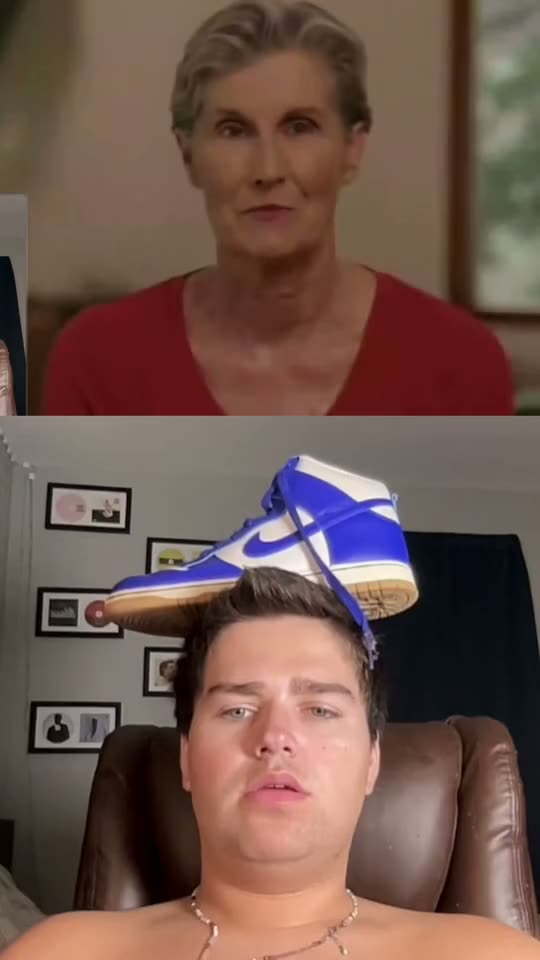
Add one photo and take the candidate’s seat in the viral video call: Karen introduces herself, asks your name and stares at the sneaker on your head. Add a second photo to recast Karen too. Ready in 3 to 8 minutes.
Updated Nov 23, 2026: A new guide: posting the video on TikTok, Reels and Shorts.
1Tap a face, add a photo
0 of 2 faces filled. The rest stay as they are.
2Quality
Add a photo of who should star in the video.
About the trend
What Is the AI Interview Karen Trend?
The AI Interview Karen trend comes from TikTok creator Nick Reid, who began posting fake AI job interviews on November 8, 2026. In each one an AI interviewer called Karen meets him in a costume or with a shoe on his head. His November 9 post had about 27.6 million views and 3.2 million likes on November 19, 2026.
SlapClip is an AI Interview Karen video generator: add one clear adult photo and the 20-second video call is recast with you as the candidate, sneaker on your head, while Karen grills you from the top window. Add a second photo to recast Karen as well. Videos are ready in 3 to 8 minutes.
The original: TikTok video call skit by @itsnickreid
Also known as: AI Karen Interview, AI Job Interview Karen, Karen AI Interviewer
Updated Nov 23, 2026
How to Make an AI Interview Karen Video
Making an AI Interview Karen video takes one photo and a few minutes. The original video call is already loaded at the top of the page, so there is no webcam to set up, no interview app to open, no script to learn and no shoe to balance on your own head before you begin.
- 1
Keep the Original Video Call
The 20-second clip is selected for you. The takes below show how other creators played the candidate, from Santa Claus to a guy in a bathtub.
- 2
Add Your Photos
Tap + and upload one clear photo of yourself or another consenting adult to play the candidate. Add a second photo, or tap Karen on the clip, to recast the interviewer too. On a computer? Scan the code to add photos from your phone.
- 3
Check the Price and Generate
Checkout shows the price before the render starts. The 20-second original is billed at 1 credit per second at 720p, and the generator shows the exact credits for the size you pick before you confirm. Failed renders are refunded automatically. On a computer, Get it on your phone opens the video on your phone.
Who to Put in the Karen Interview
The joke works when the candidate stays perfectly calm while Karen gets more and more upset. Put yourself in the candidate’s chair first, then try the friend who is always job hunting, or cast your real boss as Karen with their permission. Ask before using another adult’s photo.
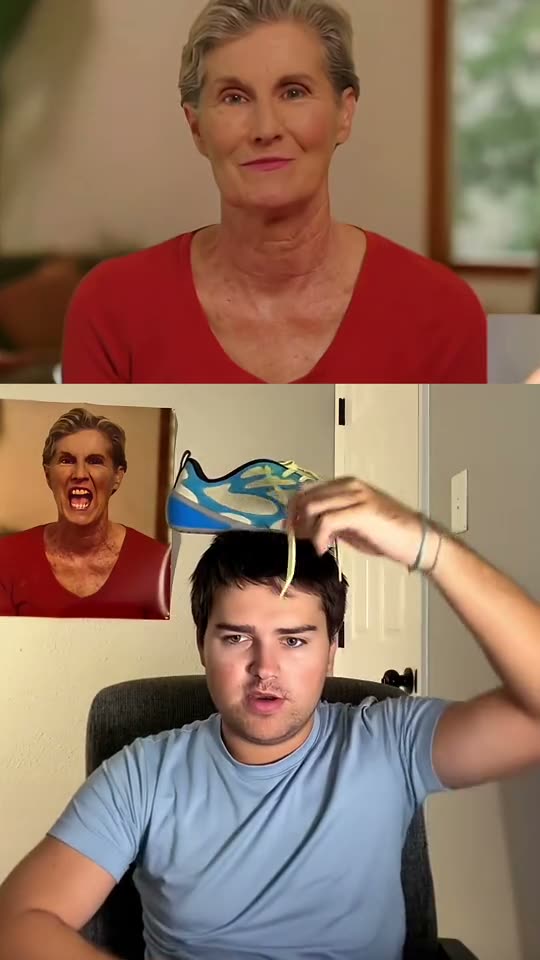 From 1 photo
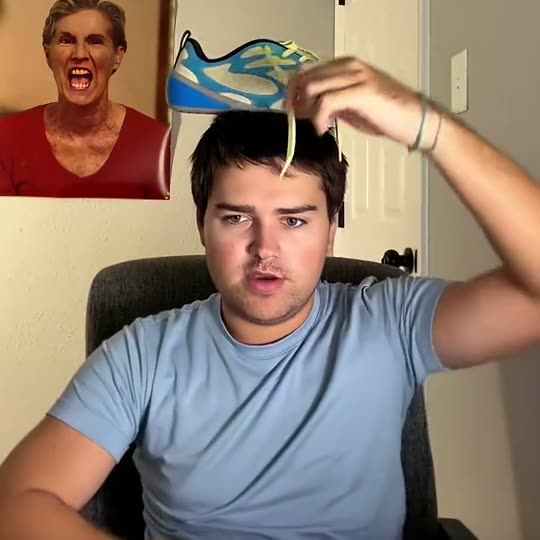
The Friend on the Job Hunt
Give the friend who is always between jobs the worst interview of their life.
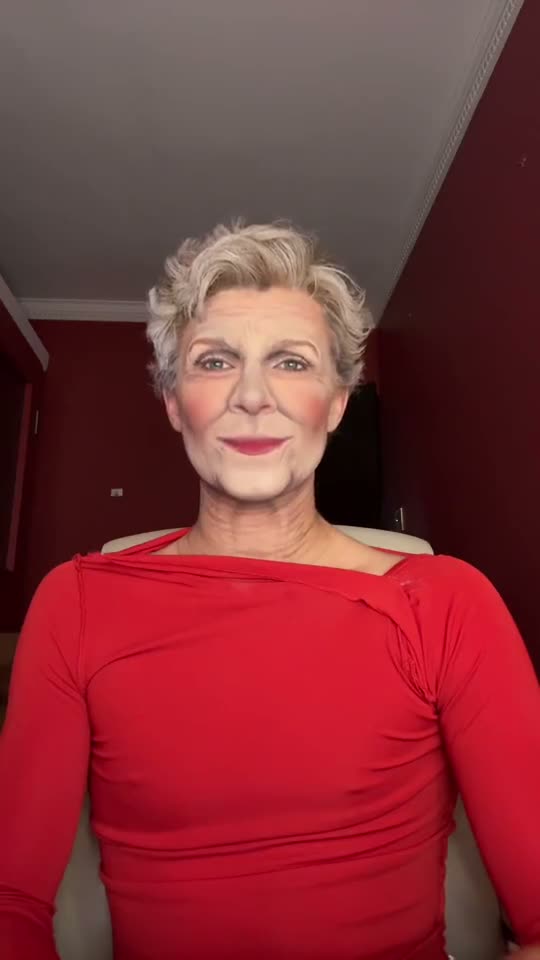 From 1 photo
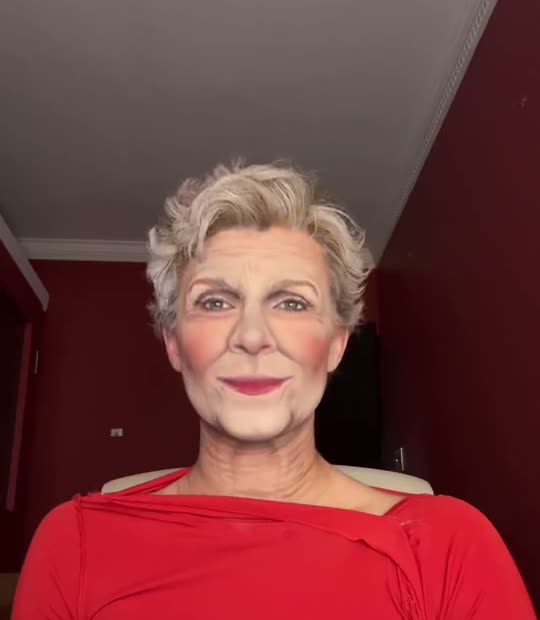
Your Boss as Karen
Put a good-humored manager in the interviewer’s seat and yourself in the candidate’s.
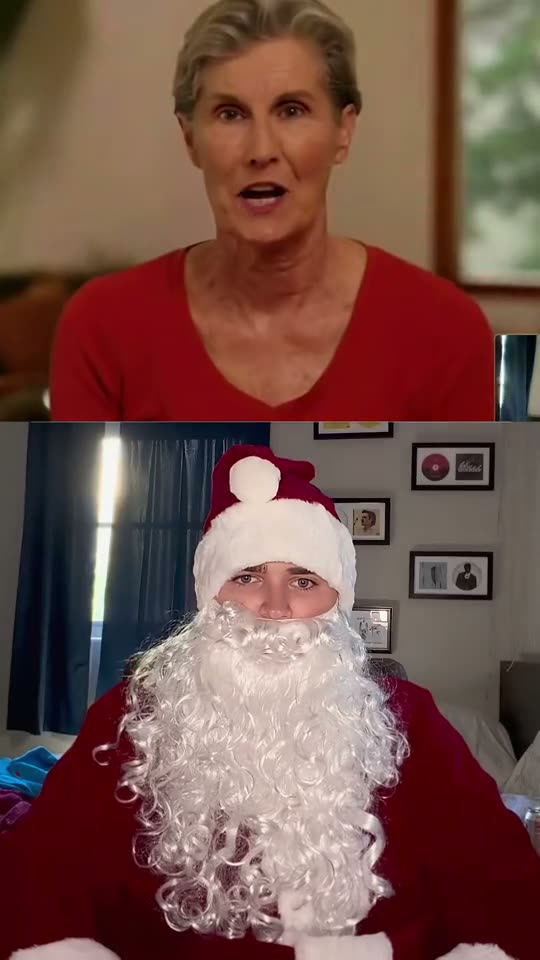 From 1 photo
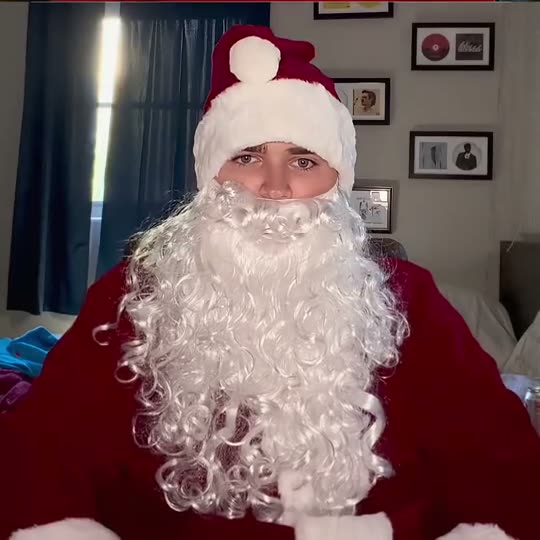
The Holiday Candidate
A Santa hat or a holiday sweater in your photo makes a seasonal take.
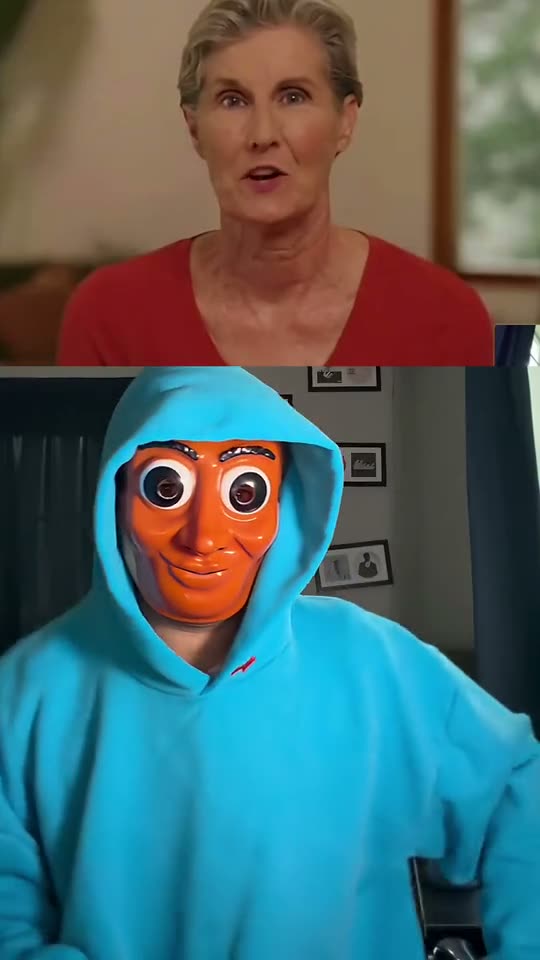
The Original Candidate
Watch the source clip first to see Karen’s timing and the sneaker gag.
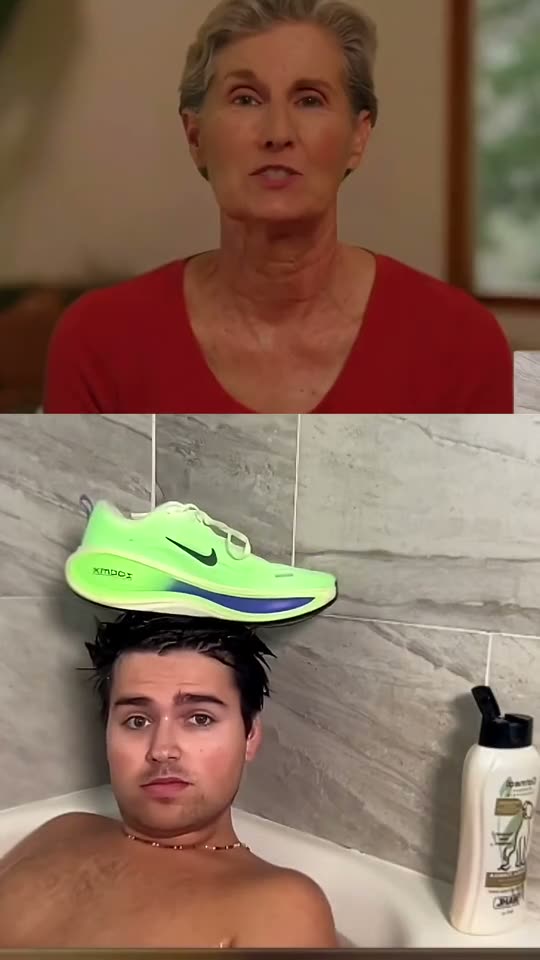
Other People Who Fit the Bit
Pick adults who would enjoy starring in a harmless office joke. Keep it light and do not present the result as a real job interview.
Coworkers, Roommates, Siblings, Best friends, Recruiters
Tips for a Better AI Interview Karen Video
A clear head-and-shoulders photo works best, because both windows of the video call are close webcam shots. Choose a picture with even light, an unobstructed face and nothing on the head, since the sneaker comes from the original clip. One face per photo keeps it clear who becomes the candidate and who becomes Karen.
Face the Camera
A front-facing photo matches the webcam angle of both windows.
Use Even Light
Soft daylight keeps facial details clear in the close-up shots.
Tap the Right Face
Tap the candidate or Karen on the clip before adding each photo.
Get Permission
Use your own photo or an adult’s photo with their clear permission.
Make the Karen Interview from One Photo
SlapClip turns the original video call into a new short video with the people from your photos in it. Karen’s window, the candidate’s room, the sneaker and the timing stay as they are, while the faces come from the pictures you upload. The price shows before generating and the result downloads as an MP4.
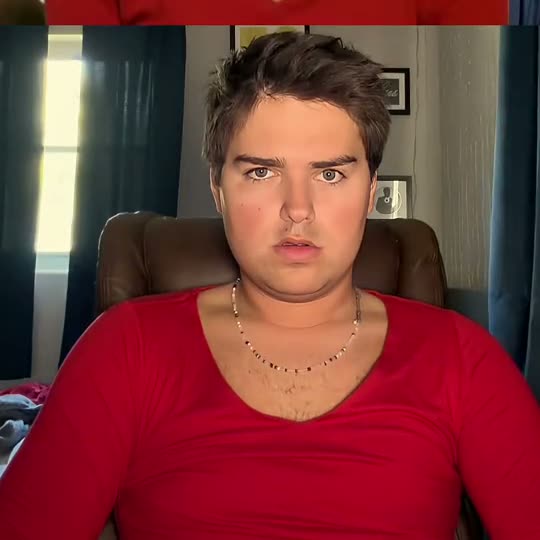 Your photoYour video
One or Two Photos
Play the candidate alone, or recast Karen with a second photo.
- 12
Tap Who You Replace
Tap a face right on the video. Each one is numbered, and the faces you skip stay as they are.
- Scan for phone photosOn your phone
Phone or Computer
On a computer? Scan a code and the photos on your phone show up here in seconds. When the video is done, scan again to open it on your phone and post.
480pquick test
720pready to post
1080psharpest
Pick Your Quality
480p for a quick test, 720p to post, 1080p when it has to look sharp. Choose for each video, and a failed render costs you nothing.
AI Interview Karen Video: Your Options Compared
There are three ways to make it: SlapClip recasts the clip from your photos, a CapCut template pastes a face onto the original, or you set up an AI video model yourself.
| SlapClipRecommended | CapCut face swap | By hand in an AI video tool | |
|---|---|---|---|
| What changes | The whole person: face, hair, outfit and build | Only the face | The whole person |
| Who gets swapped | Tap any face; the rest stay as they are | The face the template picks | Written into the prompt |
| Moves, camera and timing | Kept from the clip | The original footage | Often drift; expect several tries |
| What you need | Your photos; the clip is ready | The app and a template | The clip, a prompt and an editor |
| Ready in | 3 to 8 minutes | A few minutes | Hours, with retries |
| If a render fails | Credits come back on their own | Free to try again | Depends on the tool |
Simple Pricing. No Subscription.
Buy a credit pack when you want to make videos and top up when it runs out. Nothing renews, and the Generate button shows the exact price before you start.
Starter
Your first video
$9.99one time
- 15 credits · $0.67 each
- About 1 AI Interview Karen video at 480p
- 480p, 720p or 1080p
- Most popular
Popular
A few trends, a few friends
$24.99one time
- 45 credits · $0.56 each
- About 2 AI Interview Karen videos at 720p
- 480p, 720p or 1080p
Pro
For regular posting
$49.99one time
- 100 credits · $0.50 each
- About 5 AI Interview Karen videos at 720p
- 480p, 720p or 1080p
A 20 second AI Interview Karen video costs
- 480p10 creditsquick test
- 720p20 creditsready to post
- 1080p60 creditssharpest
Have a clip of your own?
Put yourself into any video with one photo, not just this trend.
More Comedy Trends
Try another viral trend with the same photo.
You Never Let Her Pay AI
A dinner bill, one wallet and an unexpected kitchen sponge.
Comedy · 2 examples
Napoleon Dynamite Dance AI
Sweet moves. Your face. Vote for Pedro.
Dance · 6 examples
AI Dunk
Cross him up. Fly over him. Tell him about it.
Comedy · 2 examples
Patrick Jane AI
Three-piece suit. Zero rhythm. Total confidence.
Dance · 6 examples
24 Card Trend AI
Flash the 2 and the 4. Land somewhere else.
Effects · 8 examples
Rick Roll AI
You are the Rick Roll.
Dance · 8 examples
Carlton Dance AI
You do the Carlton.
Dance · 8 examples
Crazy Frog AI
You ride the invisible motorbike.
Comedy · 8 examples
Alors On Danse AI
You play, your friend hypes.
Duo & Couples · 7 examples
Thriller Dance AI
You lead the zombie crowd.
Dance · 8 examples
Explore other kinds of videos
Want a different meme? Every trend is in our AI meme video generator.
Helpful Guides
Tutorials, photo tips and fixes, starting with this trend.
- Step by stepHow to Make the AI Interview Karen Video With Your Own Photo (2026)
- IdeasThe AI Interview Karen Meme Explained: Who Karen Is, Where It Started and How to Make Your Own (2026)
- IdeasAI Interview Karen With Two Photos: Cast Your Friend or Boss as Karen (2026)
- IdeasHow to Post the AI Interview Karen Video on TikTok, Reels and Shorts (2026)
AI Interview Karen Questions
Upload one clear photo of yourself, keep the original video call selected, check the price and tap Generate. The AI Interview Karen video puts your face on the candidate in the bottom window, sneaker and all, while Karen stays in the top window asking the questions. No webcam, script or editing app is needed.
Right on this page. Upload one clear selfie, tap the candidate in the bottom window of the original clip, check the price and tap Generate. Your face replaces the man with the sneaker on his head while Karen stays in the top window. No recording, prompts or editing app are needed, and it works from a phone or a computer.
It is a TikTok comedy series by creator Nick Reid (@itsnickreid). He films fake AI job interviews where an AI interviewer named Karen meets him wearing a costume or a shoe on his head, and she gets more furious with every answer. The series started on November 8, 2026 and several posts passed a million views.
No. The videos are staged comedy, not real hiring calls. Fact checkers traced the clip where Karen says she is from Burger King and offers $4 an hour to Nick Reid’s skit series, and Burger King said it does not use such a tool. Treat it as a joke and label your own version as AI-generated.
Yes. One clear selfie is enough to play the candidate. A front-facing head-and-shoulders photo works best, because the bottom window is a close webcam shot. Leave anything off your head in the photo, since the sneaker comes from the original clip. Use a photo you own or have permission to use.
Yes. Tap Karen on the clip before adding your photo, and your face replaces the interviewer in the top window while the candidate stays as he is. Add two photos to recast both people at once, for example you as the candidate and a friend or coworker as Karen. Each photo should show one face.
No. You only upload photos. The original 20-second video call provides the movement, the timing and Karen’s lines, and the generator recasts the person from your photo into it. You do not need a webcam, an interview app or a shoe of your own, and you can make the video from a phone or a computer.
The current rate is 1 credit per second at 720p, billed on the 20-second original video call. Lower resolutions cost less and 1080p costs more. The exact credit price, and what it comes to in each credit pack, is shown before generation starts, and failed renders are refunded automatically.
You can download the MP4 and post it to social platforms, subject to each platform’s rules and any rights you have to the material. Tell viewers the video is AI-generated where required, do not present it as a real interview, and do not use another person’s likeness without their permission.
Make Your AI Interview Karen Video
One clear photo in, the viral video call with you in the candidate’s chair out. Check the price before you generate.
- No charge if a render fails
- No watermark
- Keeps the clip's shape, ready for TikTok and Reels