
UNO Card Car AI Video Generator
Add one photo and you stand in an empty parking lot, flash a +2 and a +4 card at the camera, and when the cards drop a sports car is suddenly parked right behind you. Ready in 3 to 8 minutes.
Updated Oct 27, 2026: Page published with eight examples.
Add a photo of who should star in the video.
About the trend
What Is the UNO Card Car AI Trend?
The trend started with a 7 second TikTok posted on July 17, 2026 by @dinero44__, captioned “need a new uno card”: a +2 and a +4 make 24, and a car appears. It passed 188,000 views. On October 9, 2026 AI templates made it a trend, also called the 24 car trend and the Unforgettable car trend.
SlapClip is a UNO Card Car AI video generator: add one photo and the 8 second car reveal is recast with you. You stand in an empty lot, hold a +2 and a +4 card over the lens, and when they drop a sports car is parked behind you, ready in 3 to 8 minutes.
The original: “need a new uno card” by @dinero44__ on TikTok
Also known as: UNO card car trend, 24 card car trend, Unforgettable car trend
Updated Oct 27, 2026
How to Make a UNO Card Car AI Video
Making a UNO Card Car AI video takes one photo and 3 to 8 minutes. The original card reveal is already loaded in the generator at the top of this page, so there are no cards to buy, no lot to find and no transition to edit before you start.
- 1
Keep the Reveal or Pick a Take
The original clip is loaded for you. To start from another version, tap Recreate on any example on this page; its clip and photo load in its place.
- 2
Add Your Photo
Tap + and add one clear photo of yourself. Switch on Prompt to name the car you want behind you. On a computer? Scan the code to add photos from your phone.
- 3
Generate and Post
Checkout shows the price before anything is charged. Tap Generate, then Download MP4 3 to 8 minutes later. The sound is already in the clip. On a computer, Get it on your phone opens the video on your phone.
Who to Put in Front of the Car
The reveal lands hardest when the person holding the cards looks like they could never own the car. Pick yourself in everyday clothes, a friend who said yes, or a coworker, then switch on Prompt and choose the dream car that appears behind them.
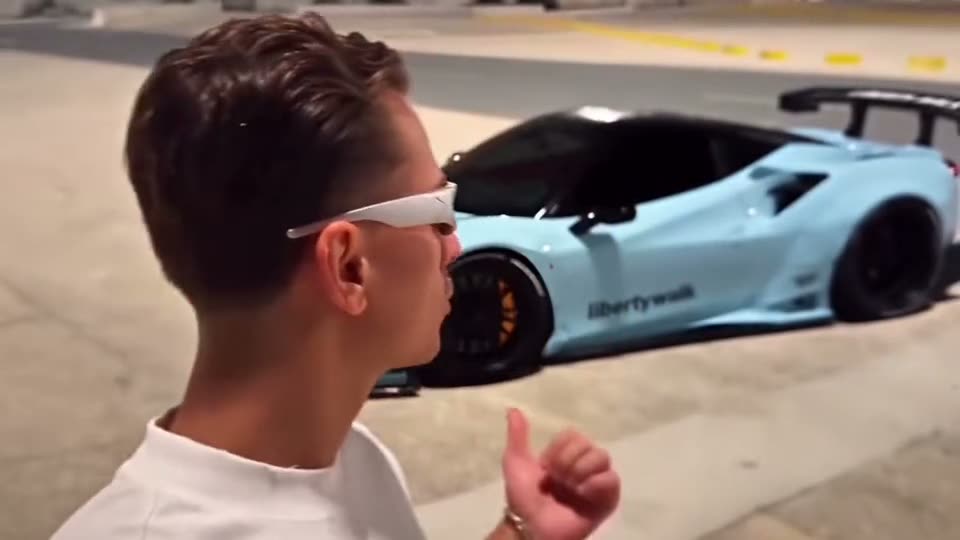 From 1 photo
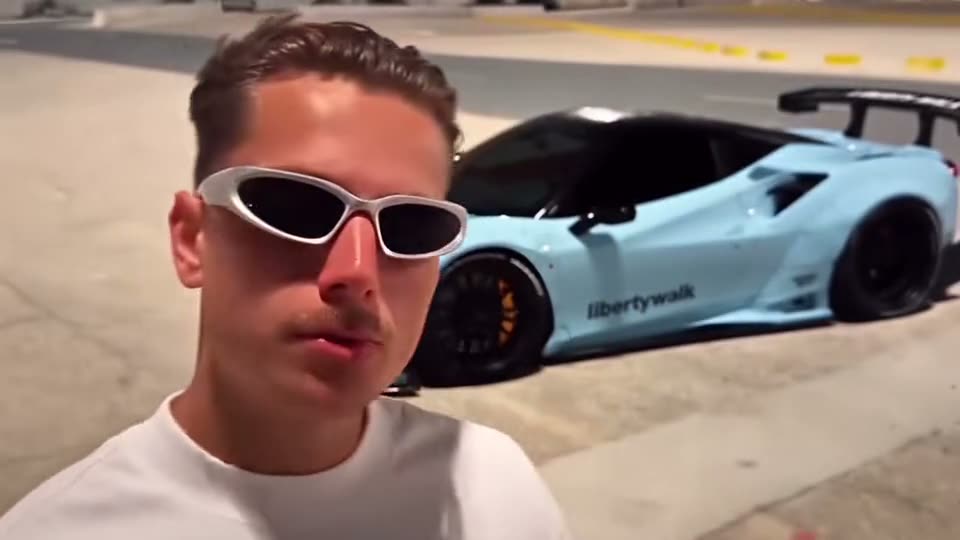
Yourself
Plain white tee, sunglasses, and a pale blue coupe behind you.
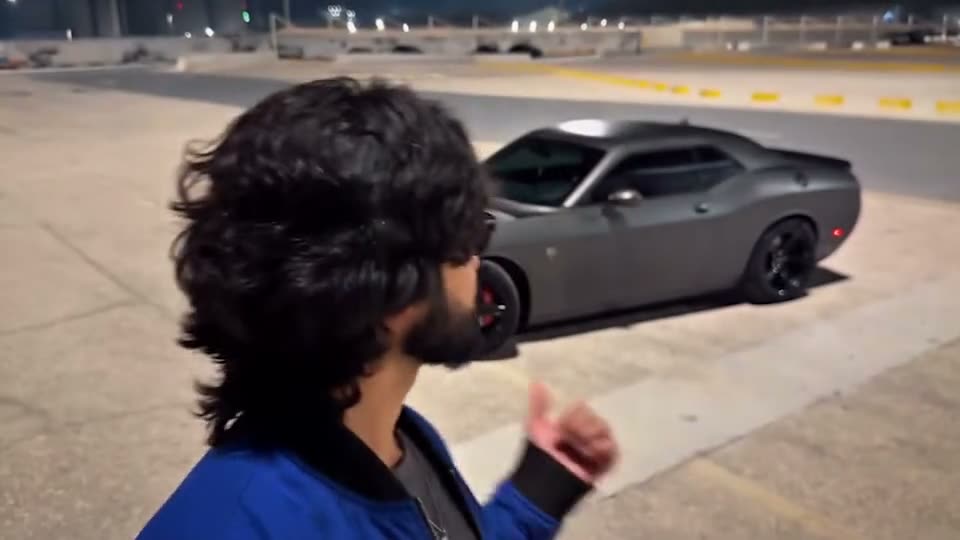 From 1 photo
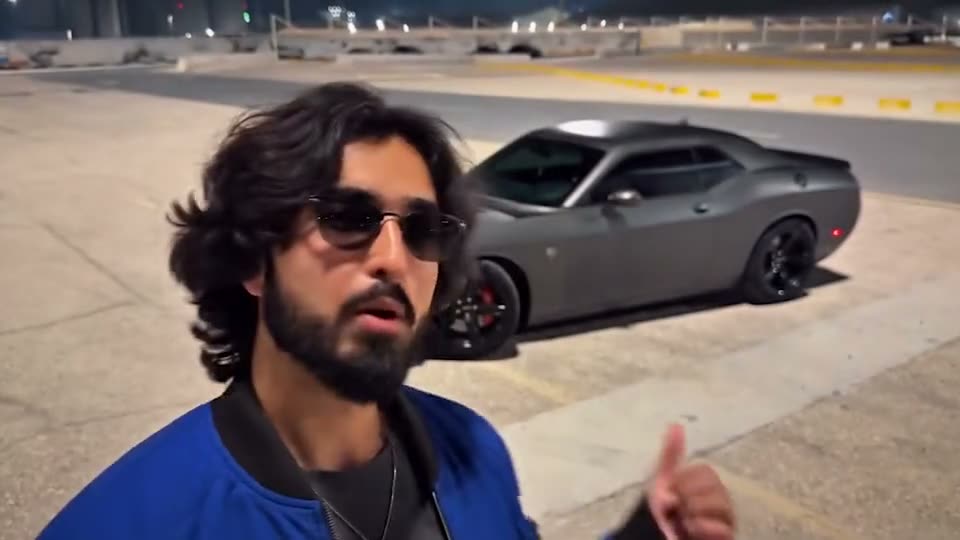
A Friend
The friend who always talks about cars finally gets one.
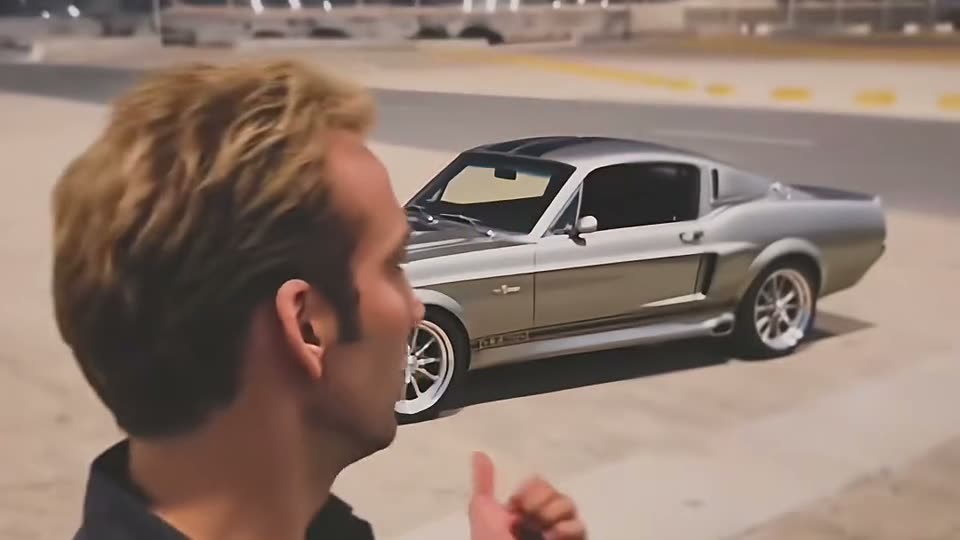 From 1 photo
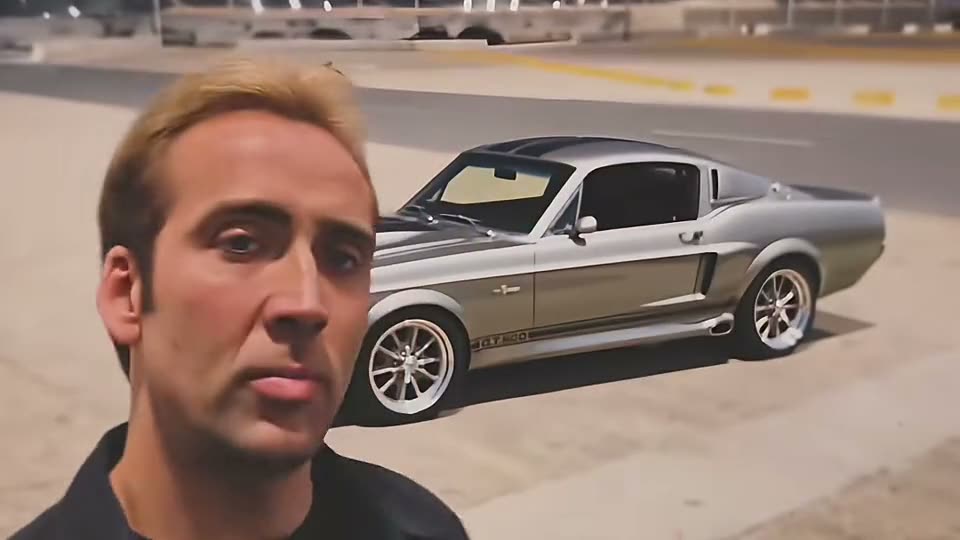
A Classic Look
Black shirt, slicked hair and a silver muscle car from the sixties.
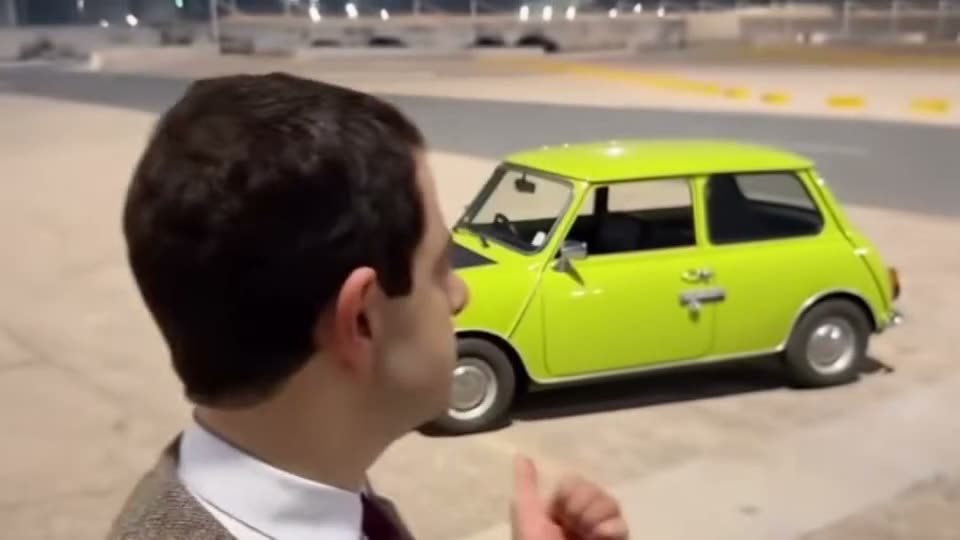 From 1 photo
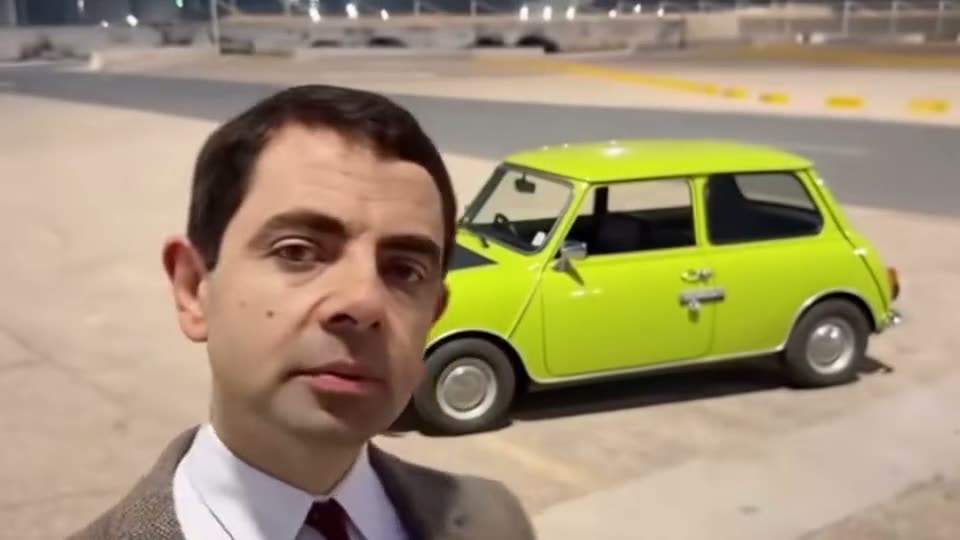
The Office Comedian
A tweed suit, a red tie and a lime green city car for the laugh.
More Cars People Reveal
Any photo works, as long as it is clear and you have the OK. Switch on Prompt and describe the car and the lot you want.
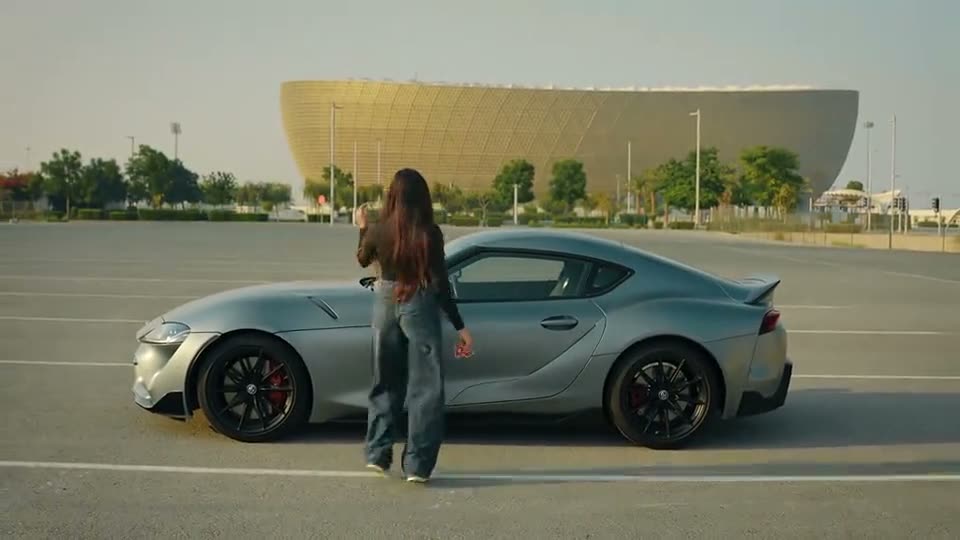
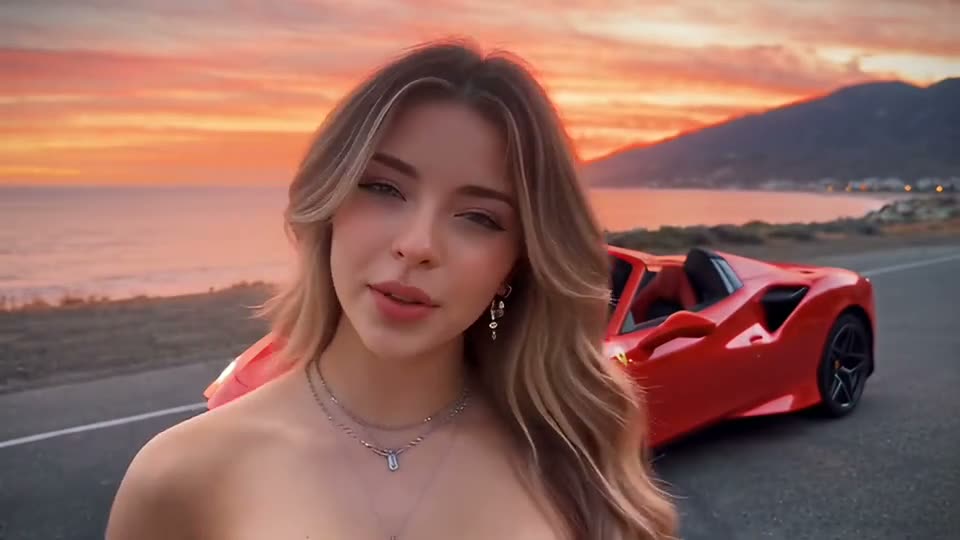
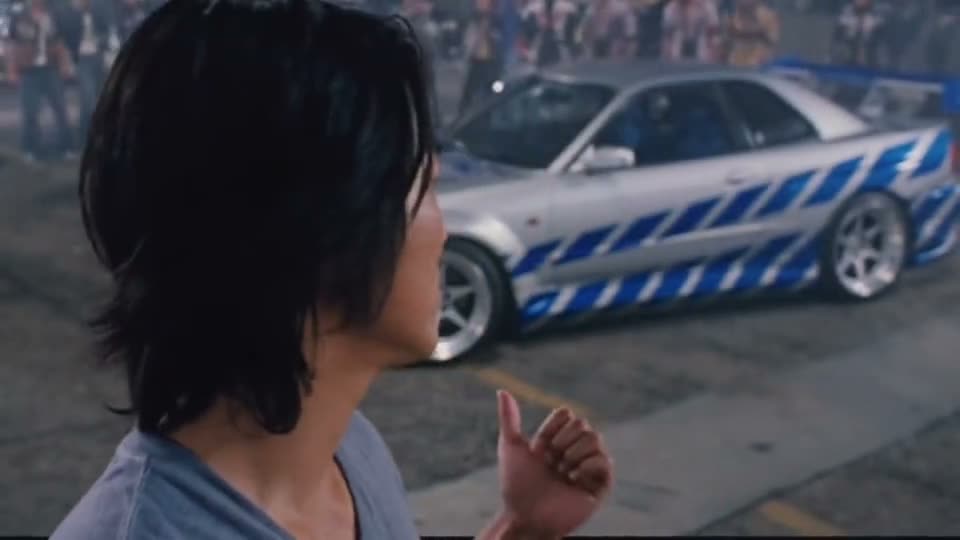
Supercars, Muscle cars, Drift cars, SUVs, Motorbikes, Your own car
Tips for a Better UNO Card Car AI Video
The photo decides how much the person holding the cards looks like you. A sharp, well-lit photo from the waist up keeps the face and outfit right through the card sweep and the reveal. These four habits fix most results that come out looking off.
Face the Camera
A front-facing photo keeps your face right when you look into the lens.
Name the Car
Switch on Prompt and say the model and color: a red supercar, a black SUV.
Use Daylight
Even light matches the open parking lot and keeps your face clear.
Only Use Photos You May Use
Your own, or an adult’s who agreed. No children or photos of people without their OK.
The Easiest Way to Do UNO Card Car AI: One Photo
SlapClip recasts the whole person from one photo instead of pasting a face onto a template, keeps the card sweep, the timing and the sound, shows the exact price before you start and refunds every failed render automatically. There is no CapCut template to find and no prompt to write.
- Your photoYour video
The Whole Person, Not a Face
Face, hair, outfit and build come from your photo, holding the cards.
- The Original
The Cut Is Done
The car appears exactly when the cards leave the lens, with no editing.
- Scan for phone photosOn your phone
Phone or Computer
On a computer? Scan a code and the photos on your phone show up here in seconds. When the video is done, scan again to open it on your phone and post.
480pquick test
720pready to post
1080psharpest
Pick Your Quality
480p for a quick test, 720p to post, 1080p when it has to look sharp. Choose for each video, and a failed render costs you nothing.
UNO Card Car Video: Your Options Compared
There are three ways to make it: SlapClip recasts the clip from your photos, a CapCut template pastes a face onto the original, or you set up an AI video model yourself.
| SlapClipRecommended | CapCut face swap | By hand in an AI video tool | |
|---|---|---|---|
| What changes | The whole person: face, hair, outfit and build | Only the face | The whole person |
| Moves, camera and timing | Kept from the clip | The original footage | Often drift; expect several tries |
| What you need | Your photos; the clip is ready | The app and a template | The clip, a prompt and an editor |
| Ready in | 3 to 8 minutes | A few minutes | Hours, with retries |
| If a render fails | Credits come back on their own | Free to try again | Depends on the tool |
Simple Pricing. No Subscription.
Buy a credit pack when you want to make videos and top up when it runs out. Nothing renews, and the Generate button shows the exact price before you start.
Starter
Your first video
$9.99one time
- 15 credits · $0.67 each
- About 1 UNO Card Car AI video at 720p
- 480p, 720p or 1080p
- Most popular
Popular
A few trends, a few friends
$24.99one time
- 45 credits · $0.56 each
- About 5 UNO Card Car AI videos at 720p
- 480p, 720p or 1080p
Pro
For regular posting
$49.99one time
- 100 credits · $0.50 each
- About 12 UNO Card Car AI videos at 720p
- 480p, 720p or 1080p
A 8 second UNO Card Car AI video costs
- 480p4 creditsquick test
- 720p8 creditsready to post
- 1080p24 creditssharpest
Have a clip of your own?
Put yourself into any video with one photo, not just this trend.
More Effects Trends
Try another viral trend with the same photo.
AI Dunk
Cross him up. Fly over him. Tell him about it.
Comedy · 2 examples
24 Card Trend AI
Flash the 2 and the 4. Land somewhere else.
Effects · 8 examples
Giant Ramp Climbing AI
Run up the dam wall, flip off the top, slide back down.
Effects · 6 examples
Phone on the Train AI
Your phone rides the train. You run after it.
Comedy · 8 examples
Window Peeper AI
A lit window at night, a burger, and you staring back.
Comedy · 7 examples
Damon Salvatore Church Scene AI
Walk into the church. Every head turns. Then the smirk.
Comedy · 7 examples
Ozil Goal AI
Chip the keeper, wait, watch two defenders slide past. Score.
Comedy · 8 examples
Giant Hands Dress Up AI
You stand still like a living doll. Giant hands do the styling.
Effects · 8 examples
Desert Car Jump AI
You sit perfectly still. An SUV flies right over your head.
Effects · 8 examples
AI Interview Karen
A video call job interview, one sneaker and a very angry Karen.
Comedy · 8 examples
Explore other kinds of videos
Want a different meme? Every trend is in our AI meme video generator.
Helpful Guides
Tutorials, photo tips and fixes, starting with this trend.
UNO Card Car AI Questions
Upload one clear photo, keep the card reveal selected and tap Generate. The UNO Card Car AI video is ready in 3 to 8 minutes: you hold up a +2 and a +4 card in an empty lot, the cards sweep the lens and a sports car appears behind you.
It is the same trend under another name. A +2 and a +4 card read as 24, the cards cover the camera, and a car appears where the lot was empty. People also call it the UNO reverse car reveal and the Unforgettable car trend, after the song many versions use.
Yes. SlapClip does it on this page: upload one photo of yourself, keep the original reveal or pick one of the example takes, and tap Generate. You become the person holding the +2 and +4 cards, and the car appears behind you. There is no app to install, and you only sign in when you generate.
No. There is nothing to film: the card sweep, the parking lot and the car are all in the clip, and the person holding the cards comes from your photo. You upload one picture and tap Generate, so the only thing you need is a clear, front-facing photo.
Yes. The card sweep, the timing and the car reveal are already in the video you pick, so there is nothing to cut, line up or caption. The original needs no prompt, and each example take comes with its own description filled in. You only add your photo and tap Generate.
Yes. Switch on Prompt and describe the car: a red supercar, a black SUV, a classic muscle car or a drift car with a livery. Without a prompt the car from the example you picked appears. Name one car and one color for the most reliable result.
No, not here. Every video is a new AI render, and the price shows at checkout before you start. Free CapCut and Dreamina templates paste your face onto the template person, so the body and outfit stay theirs instead of becoming yours.
Video costs 1 credit per second at 720p, so a 8 second clip here is 8 credits: $5.33 at the smallest pack, $4 at the largest. One Starter pack covers a first video at 720p. Packs are one-time and failed renders are refunded.
Yes. A pack goes into one balance that works on every trend on the site and on your own clip. Make the UNO card car reveal today and Money Flex, Gangnam Style or a pet dance tomorrow from the same pack; nothing is bought per trend, and credits last 12 months.
It usually takes 3 to 8 minutes, sometimes longer at busy times, and you can leave the page while it renders. The video is 8 seconds, about the length of the original clip, and it is ready for TikTok, Instagram Reels and YouTube Shorts.
Make it here in 3 to 8 minutes, then download the MP4 and post it on TikTok, Instagram Reels or YouTube Shorts, with no watermark. Label the clip as AI-generated when you post, which both platforms ask creators to do, and tag it #24cartrend so people find it.
Your Car Reveal Is 3 to 8 Minutes Away
One photo in; you, two cards and a brand new car out. Failed renders are refunded.
- No charge if a render fails
- No watermark
- Keeps the clip's shape, ready for TikTok and Reels