
Alors On Danse AI Video Generator
Add two separate photos, no picture of you together needed, and star in the keyboard duo: one of you plays the Alors On Danse melody on a mini keyboard, the other points at the ceiling, claps and dances beside the laptop. Ready in 3 to 8 minutes.
Updated Nov 18, 2026: Every remake now links to its creator's original post. Four uncredited examples made way for three credited ones: Teacher and Partner, Dog and Cat, and Panda and Tigress.
Tap a face to swap in your friend
Add a photo of who should star in the video.
About the trend
What Is the Alors On Danse AI Trend?
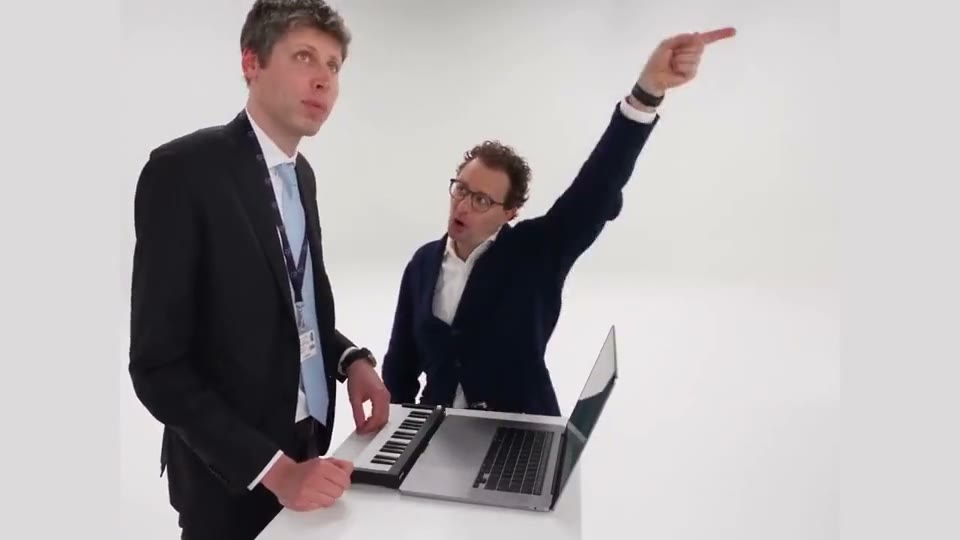
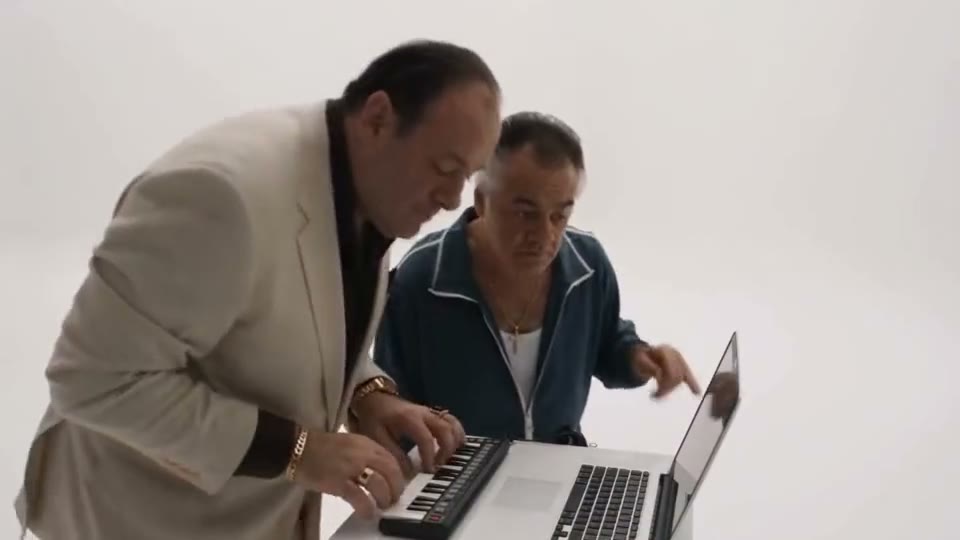
The bit comes from a 2010 comedy sketch in which Belgian singer Stromae plays his hit Alors On Danse on a small keyboard while French comedian Jamel Debbouze hypes him up. In October 2026 a two photo AI template put any duo in the white studio, and remakes with footballers, film pairs, grandparents and dogs spread on TikTok.
SlapClip is an Alors On Danse AI video generator: add two photos and the 20 second keyboard duo is recast with you both. One plays the mini keyboard plugged into the laptop, the other hypes, points at the ceiling and dances, in the same white studio, ready in 3 to 8 minutes.
The original: Stromae and Jamel, Alors On Danse sketch remade with AI
Also known as: Alors On Danse AI trend, Stromae and Jamel keyboard meme, Keyboard duo AI
Updated Nov 18, 2026
How to Make an Alors On Danse AI Video
Making an Alors On Danse AI video takes two photos and 3 to 8 minutes. The white studio clip is already loaded in the generator at the top of this page, so there is no CapCut template link to copy, no keyboard to buy and nobody has to film anything.
- 1
Keep the Clip or Pick a Take
The original keyboard duo is loaded for you. To star in one of the examples instead, tap Recreate on it to load that take.
- 2
Add Your Photos
Tap + and add one photo per person: the first plays the keyboard, the second is the hype man. On a computer? Scan the code to add photos from your phone.
- 3
Generate and Post
Checkout shows the price before anything is charged. Tap Generate, then Download MP4 3 to 8 minutes later. The sound is already in the clip. On a computer, Get it on your phone opens the video on your phone.
Which Duo to Put in the White Studio
The joke works best when the pair is unlikely: grandparents, a boss and an intern, a dog and a cat. Put the calm one at the keyboard and the loud one on hype duty, then pick the example closest to the duo you want.
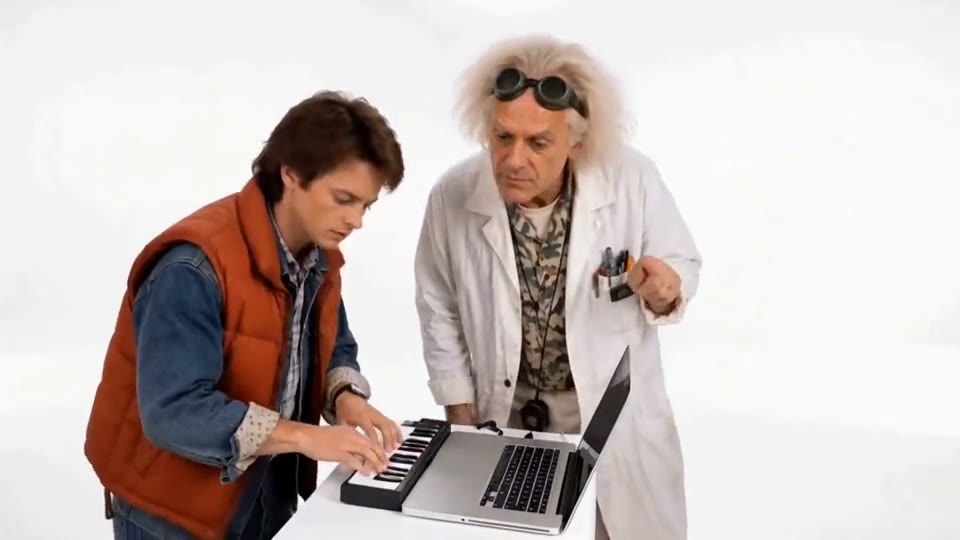 From 2 photos
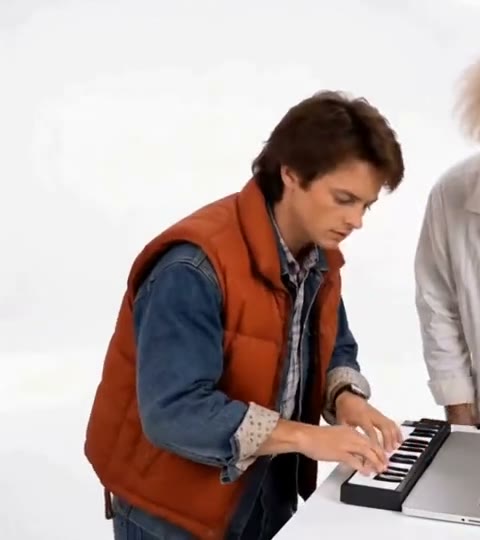
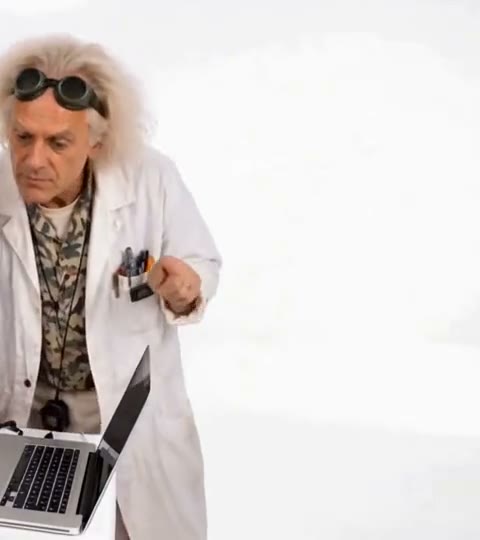
Time Travelers
A young hero and a wild-haired scientist at the laptop.
The Original Duo
The original white studio take, with you and a friend in it.
 From 2 photos
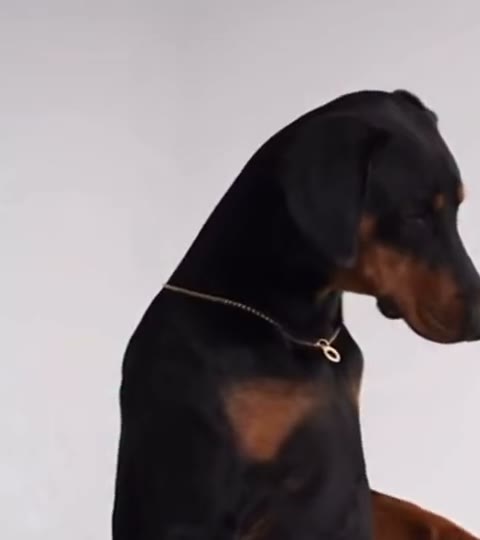
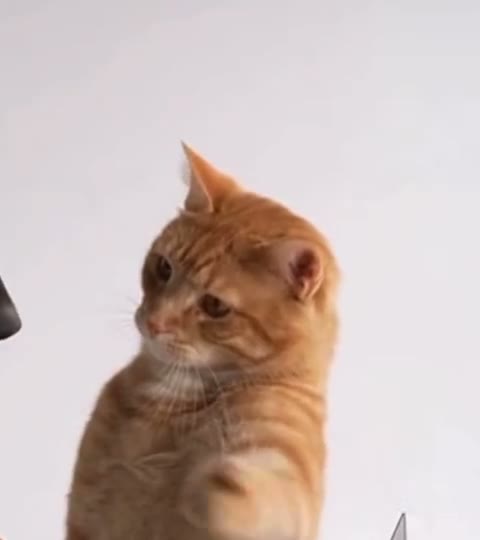
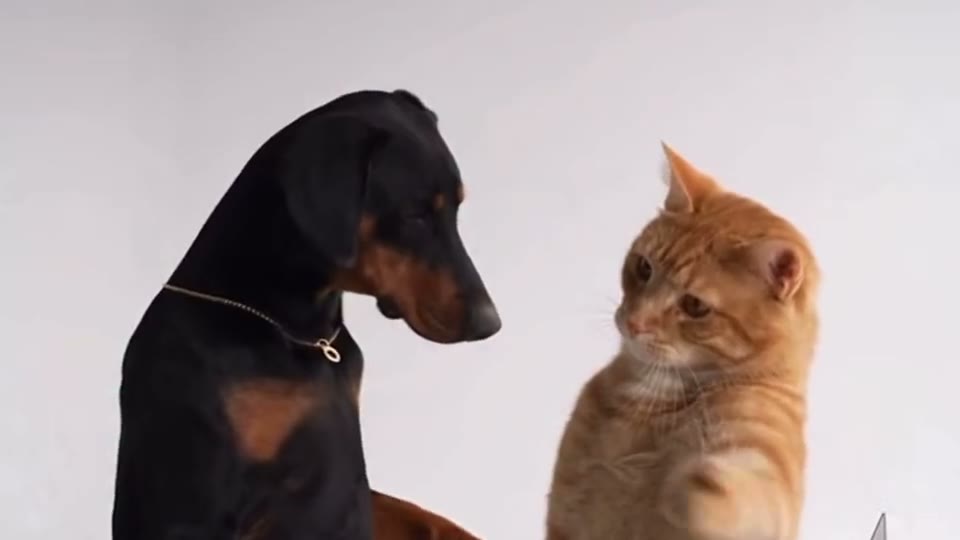
Dog and Cat
A dog at the keyboard, a ginger cat on hype duty.
 From 2 photos
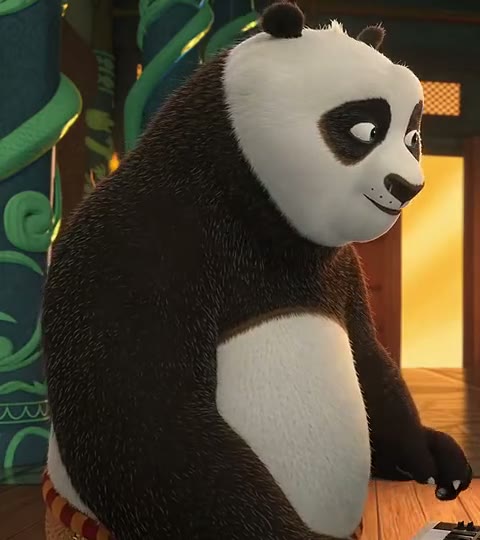
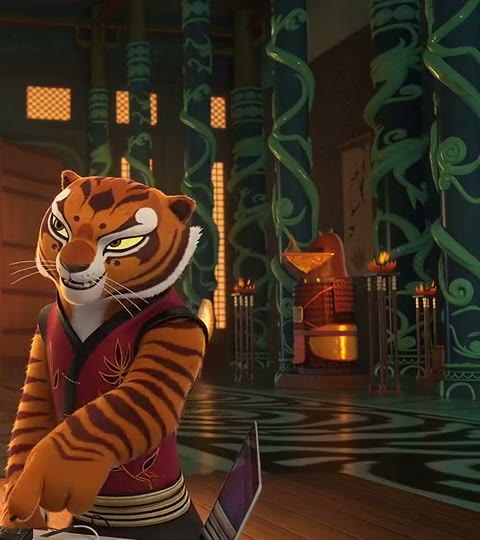
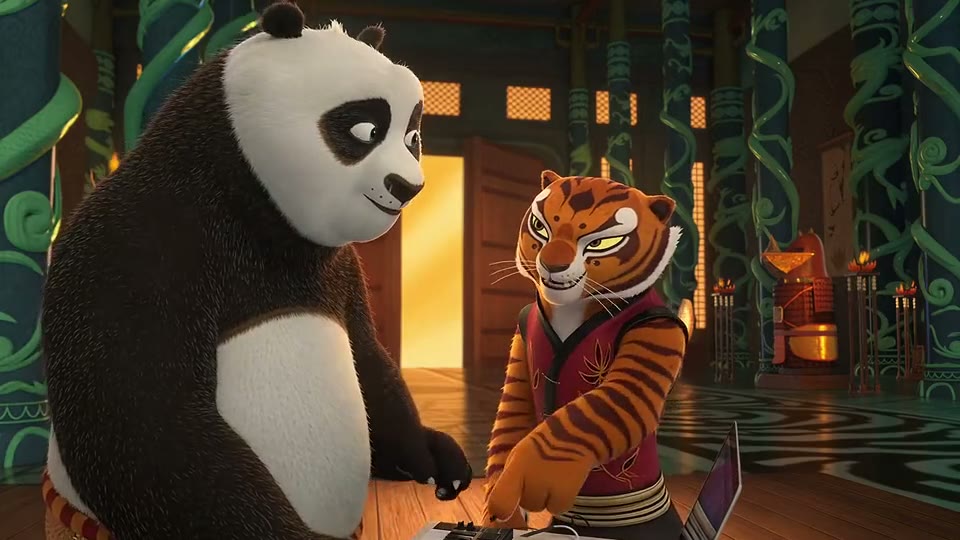
Cartoon Duo
A cartoon panda plays while a tigress hypes him up.
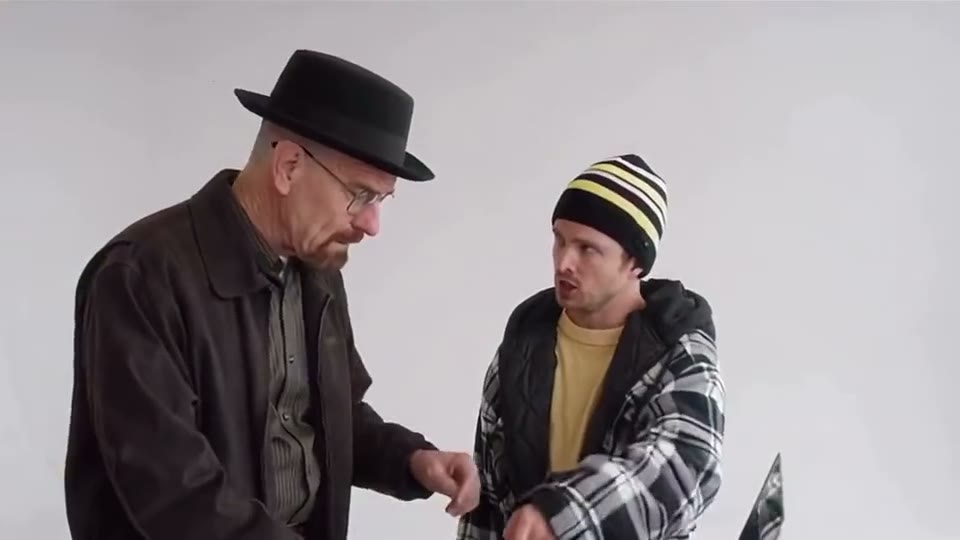
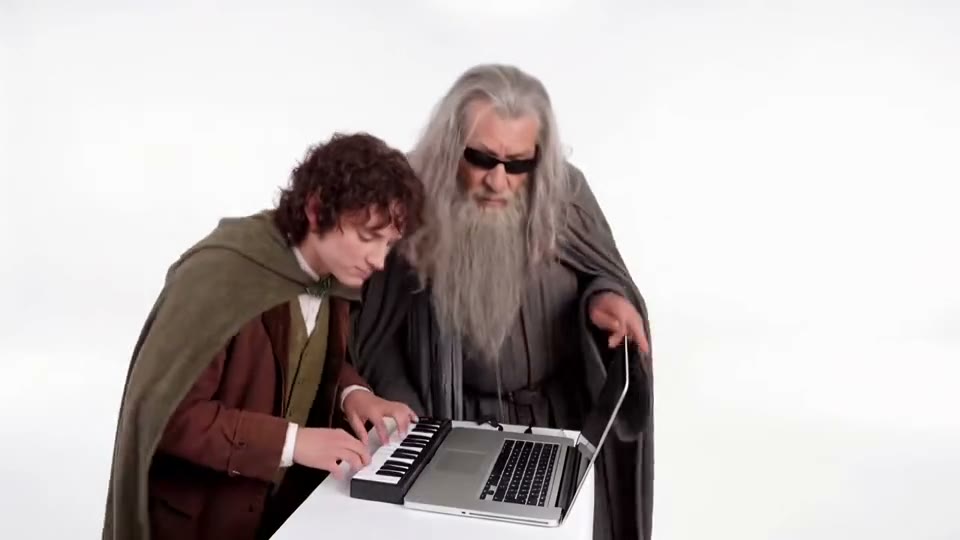
More Duos People Make
Any clear photos of adults work, as long as both agreed. Couples, coworkers and pets get the biggest laughs.
Best friends, Couples, Grandparents, Coworkers, You and your dog, Two pets
Tips for a Better Alors On Danse Video
The camera sits at a medium distance in a bright white studio and both people move their arms, heads and shoulders, so the photos decide how much the duo looks like you. Separate photos are fine; a sharp, front-facing waist up photo of each person works best.
One Person per Photo
Facing the camera, waist up, nobody else in the frame.
Pick the Roles
Photo 1 plays the keyboard, photo 2 hypes. Swap them to switch roles.
Use Even Light
Daylight or a bright room, no sunglasses, no heavy shadows on the face.
Only Use Photos You May Use
Your own, or an adult’s who agreed. No children or photos of people without their OK.
The Easiest Way to Do Alors On Danse: Two Photos
SlapClip is an Alors On Danse AI maker that puts two people from separate photos into the keyboard duo, moves both bodies instead of pasting faces, keeps the studio, the laptop and the timing, shows the exact price before you start and refunds every failed render automatically.
- Your photoYour video
Separate Photos
No photo of you two together needed: one photo each.
- 12
Tap Who You Replace
Tap a face right on the video. Each one is numbered, and the faces you skip stay as they are.
- Scan for phone photosOn your phone
Phone or Computer
On a computer? Scan a code and the photos on your phone show up here in seconds. When the video is done, scan again to open it on your phone and post.
480pquick test
720pready to post
1080psharpest
Pick Your Quality
480p for a quick test, 720p to post, 1080p when it has to look sharp. Choose for each video, and a failed render costs you nothing.
Alors On Danse Video: Your Options Compared
There are three ways to make it: SlapClip recasts the clip from your photos, a CapCut template pastes a face onto the original, or you set up an AI video model yourself.
| SlapClipRecommended | CapCut face swap | By hand in an AI video tool | |
|---|---|---|---|
| What changes | The whole person: face, hair, outfit and build | Only the face | The whole person |
| Who gets swapped | Tap any face; the rest stay as they are | The face the template picks | Written into the prompt |
| Moves, camera and timing | Kept from the clip | The original footage | Often drift; expect several tries |
| What you need | Your photos; the clip is ready | The app and a template | The clip, a prompt and an editor |
| Ready in | 3 to 8 minutes | A few minutes | Hours, with retries |
| If a render fails | Credits come back on their own | Free to try again | Depends on the tool |
Simple Pricing. No Subscription.
Buy a credit pack when you want to make videos and top up when it runs out. Nothing renews, and the Generate button shows the exact price before you start.
Starter
Your first video
$9.99one time
- 15 credits · $0.67 each
- About 1 Alors On Danse AI video at 480p
- 480p, 720p or 1080p
- Most popular
Popular
A few trends, a few friends
$24.99one time
- 45 credits · $0.56 each
- About 2 Alors On Danse AI videos at 720p
- 480p, 720p or 1080p
Pro
For regular posting
$49.99one time
- 100 credits · $0.50 each
- About 5 Alors On Danse AI videos at 720p
- 480p, 720p or 1080p
A 20 second Alors On Danse AI video costs
- 480p10 creditsquick test
- 720p20 creditsready to post
- 1080p60 creditssharpest
Have a clip of your own?
Put yourself into any video with one photo, not just this trend.
More Duo & Couples Trends
Try another viral trend with the same photo.
Can I Ride Dance AI
Two photos. One duo. Zero rehearsal.
Dance · 8 examples
AI Interview Karen
A video call job interview, one sneaker and a very angry Karen.
Comedy · 8 examples
You Never Let Her Pay AI
A dinner bill, one wallet and an unexpected kitchen sponge.
Comedy · 2 examples
Jisoo Addicted Dance AI
Dance the Addicted challenge with Jisoo or Rosé.
Dance · 6 examples
Smooth Criminal Dance AI
Hand at the neck, lean, kick, glide.
Dance · 8 examples
Cardo Dinner AI
Dinner is ready, and it is a giant Hot Cheeto.
Duo & Couples · 3 examples
Babydoll Dance AI
Suits, sunglasses and the two-step everyone is doing.
Dance · 8 examples
Hop Hop Hop AI
You do the move in front. Your friend behind starts hopping.
Dance · 7 examples
Hotel Lobby AI
You and a friend in the orange booth with the hanging mic.
Duo & Couples · 8 examples
Wednesday Dance AI
One photo. Dead serious. Every move.
Dance · 4 examples
Explore other kinds of videos
Want a different meme? Every trend is in our AI meme video generator.
Helpful Guides
Tutorials, photo tips and fixes, starting with this trend.
- Step by stepHow to Make the Alors On Danse AI Video With Two Photos (2026 Step by Step)
- Best photosBest Photos for AI Meme Videos: 8 Tips So It Looks Like You (2026)
- IdeasHow Much Does an AI Meme Video Cost? 7 Ways to Spend Fewer Credits (2026)
- Fix a problemAI Video Face Looks Off? How to Fix Faces, Hands and the Wrong Person (2026)
Alors On Danse AI Questions
Upload one photo for the keyboard player and one for the hype man, keep the white studio clip selected and tap Generate. The Alors On Danse AI video is ready in 3 to 8 minutes, with both of you in the original keyboard duo. With only one photo, you take the keyboard and the hype man stays as in the clip.
Yes. SlapClip takes one photo per person, so you do not need a picture of the two of you together. Photo 1 becomes the person at the mini keyboard and photo 2 the hype man beside the laptop; on the original clip you can also tap a face on the still to choose who becomes whom.
SlapClip does it in the browser with a motion transfer model: the moves, the camera and the white studio come from the original clip and your photos supply how the two people look. There is no template app to install and no prompt to write, and the MP4 has no watermark.
Yes. A clear photo of a pet works for either role: your dog can hype you up while you play, or two pets can take over the studio, as in the owner and dog and poodle and chihuahua examples. Use a sharp photo where the whole animal is visible and facing the camera.
No, SlapClip is paid, not free: this 20 second clip is 20 credits at 720p, $13.32 at the smallest pack, with no subscription or watermark. Free face swap apps exist, but they paste faces onto the duo instead of recasting you both. A failed render gives the video credit back automatically.
It is a 2010 comedy sketch with Belgian singer Stromae and French comedian Jamel Debbouze: Stromae plays his hit Alors On Danse on a small keyboard plugged into a laptop while Jamel stands beside him, pointing, nodding and hyping the song up. The AI trend recasts that pair in a white studio.
It is a two photo AI video where any duo plays the Alors On Danse keyboard bit in a bright white studio: one person plays the mini keyboard, the other hypes them up and dances. It spread on TikTok in October 2026 with remakes of footballers, film characters, couples, grandparents and pets.
The original duo is 20 seconds, landscape, with sound and no watermark; the examples run about 14 to 20 seconds. Download the MP4 and post it on TikTok, Instagram Reels or YouTube Shorts, and label it as AI-generated when you post, which these platforms ask creators to do.
The first photo plays the keyboard and the second is the hype man. If the roles come out the wrong way around, swap the photos and generate again. On the original clip you can tap the face you want on the still before adding each photo, which assigns the roles directly.
Usually that photo is too small, too dark or at an angle, or it shows more than one person. Use a sharp, front-facing waist up photo for each role, in daylight, without sunglasses or masks, with only that person in the frame, then generate again.
Your Alors On Danse Video Is 3 to 8 Minutes Away
Two photos in; your duo playing and hyping in the white studio, out. Failed renders are refunded.
- No charge if a render fails
- No watermark
- Keeps the clip's shape, ready for TikTok and Reels