
Desert Car Jump AI Video Generator
Add one photo and you sit cool and still in a folding chair in the desert while an off-road SUV races over the dune, launches into the air and flies right over your head in a cloud of sand. Ready in 3 to 8 minutes.
Updated Oct 28, 2026: Page published with the original clip and seven examples.
Add a photo of who should star in the video.
About the trend
What Is the Desert Car Jump AI Trend?
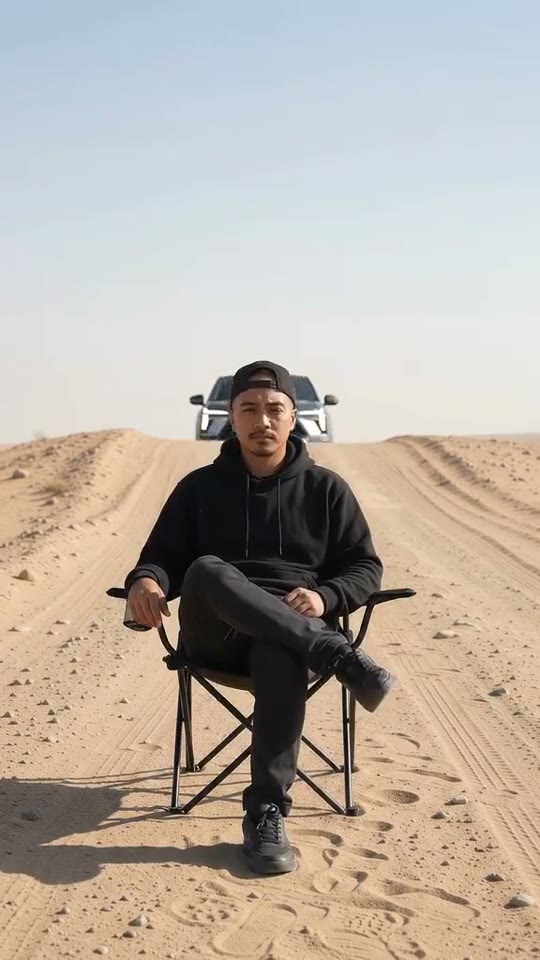
The shot looks like a stunt film: a calm figure in a folding chair, a desert ridge, and a heavy SUV flying over their head in a burst of sand. Nobody risks anything, because it is made with AI. The trend spread on TikTok from early October 2026, with G Wagons, pickups and even fire trucks.
SlapClip is a Desert Car Jump AI video generator: add one photo and the desert clip is recast with you in the chair. You sit perfectly still at golden hour while an off-road SUV launches over the dune and flies right over your head in slow motion, ready in 3 to 8 minutes.
Also known as: Desert car jump trend, Flying car desert trend, G Wagon jump trend
Updated Oct 28, 2026
How to Make a Desert Car Jump AI Video
Making a Desert Car Jump AI video takes one photo and 3 to 8 minutes. The desert clip is already loaded in the generator at the top of this page, so there is no CapCut template to find, no prompt to write and no editing app to learn before you start.
- 1
Keep the Clip or Pick a Car
The original desert clip is loaded for you. To start from another car, tap Recreate on any example on this page; its clip and photo load in its place.
- 2
Add Your Photo
Tap + and add one clear photo of one person, full body if you have it. Switch on Prompt to describe your own car. On a computer? Scan the code to add photos from your phone.
- 3
Generate and Post
Checkout shows the price before anything is charged. Tap Generate, then Download MP4 3 to 8 minutes later and post it. On a computer, Get it on your phone opens the video on your phone.
Which Car to Fly Over You
The joke works best when the car is big, the jump is huge and you look like you could not care less. Pick the take with the car you like, from a black G Wagon to a pickup or a fire truck, and dress for the shot.
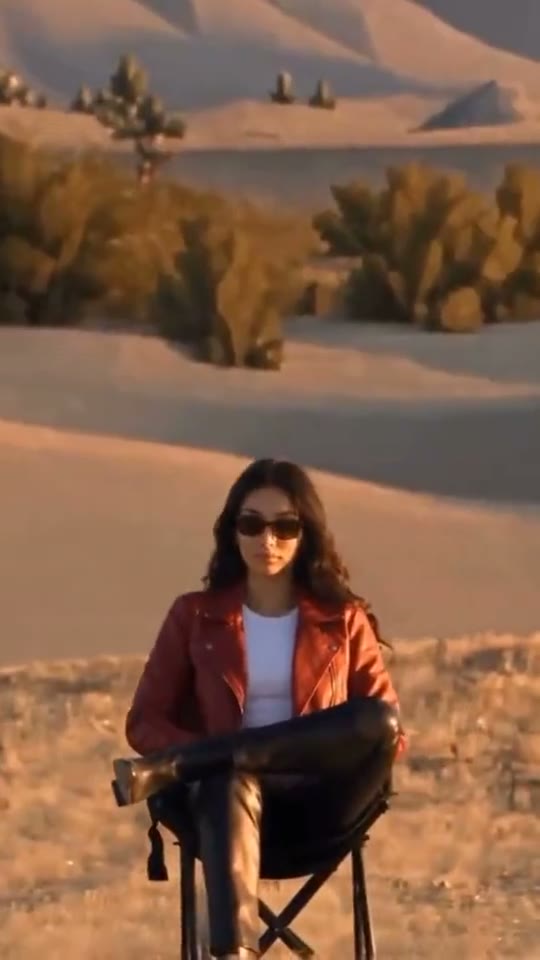 From 1 photo
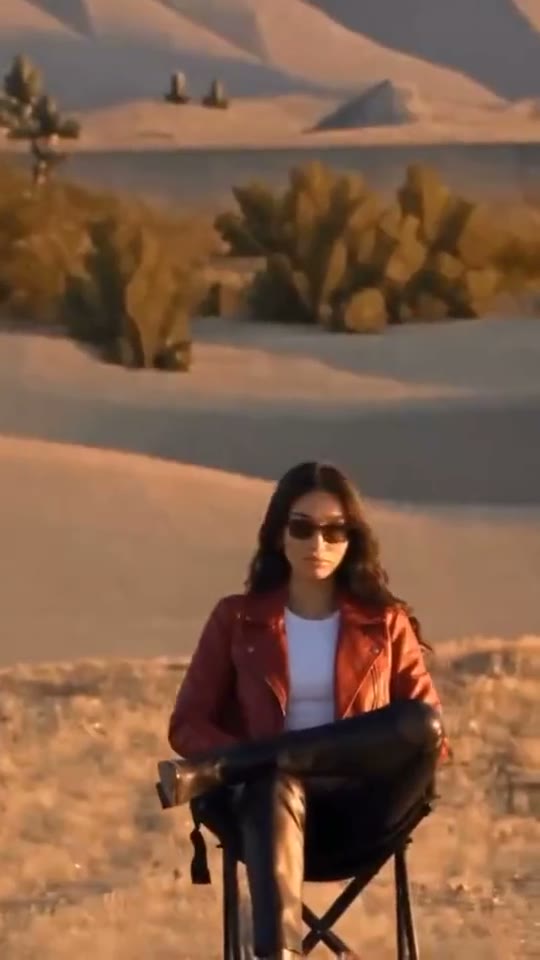
Red Off-Roader
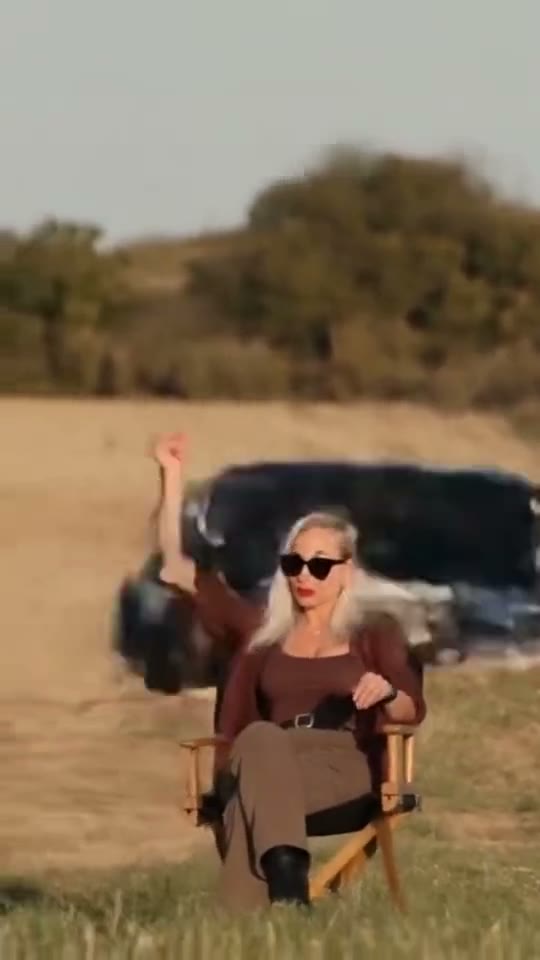
A red jacket, sunglasses and a red truck in the air.
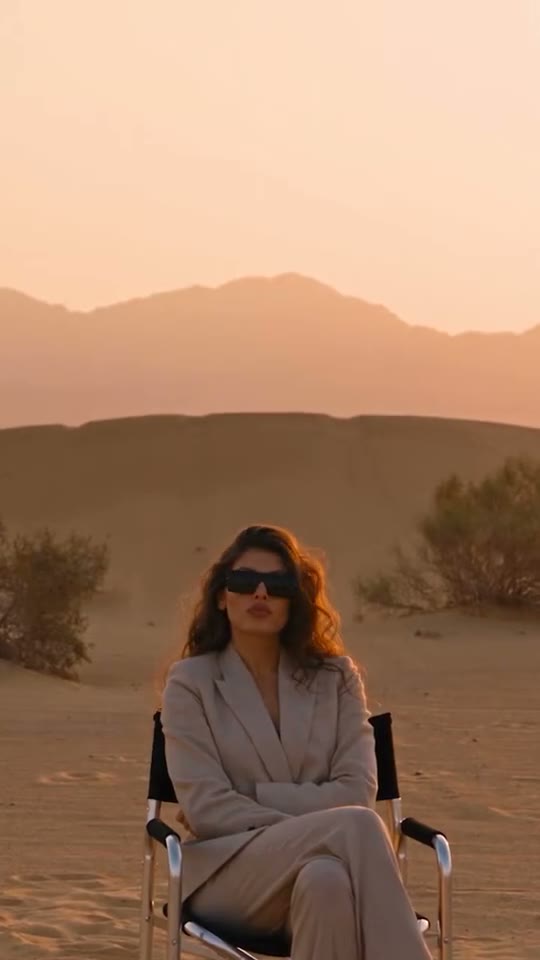 From 1 photo
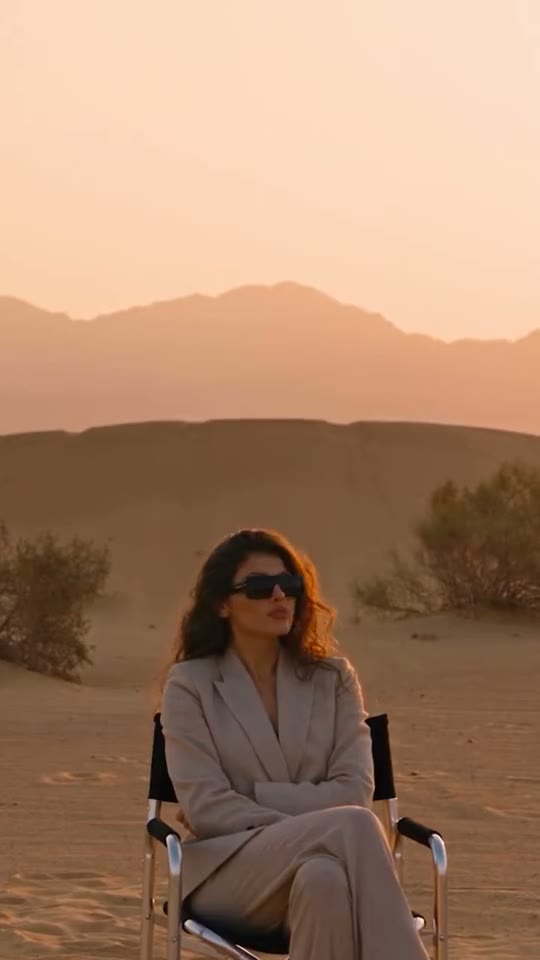
Black G Wagon
A beige suit in the dunes and a black SUV overhead.
 From 1 photo
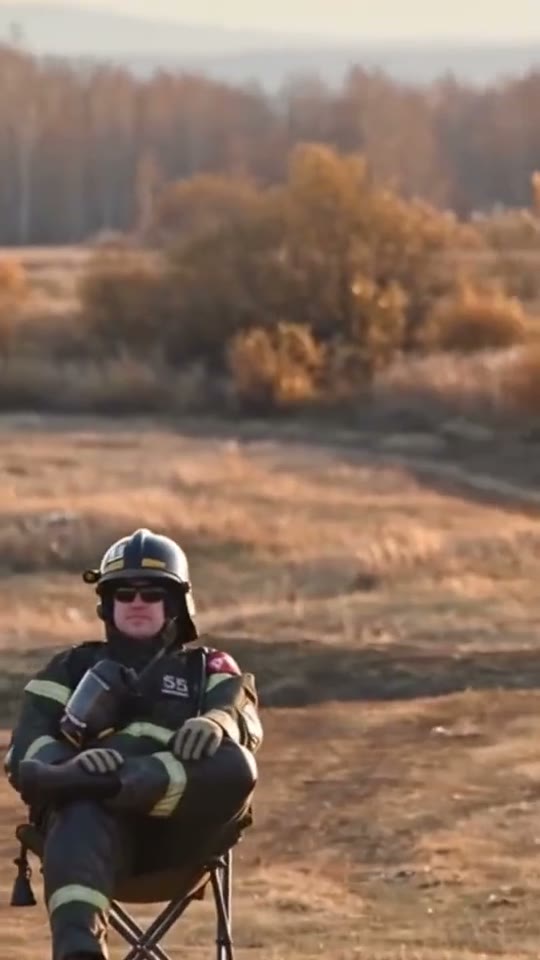
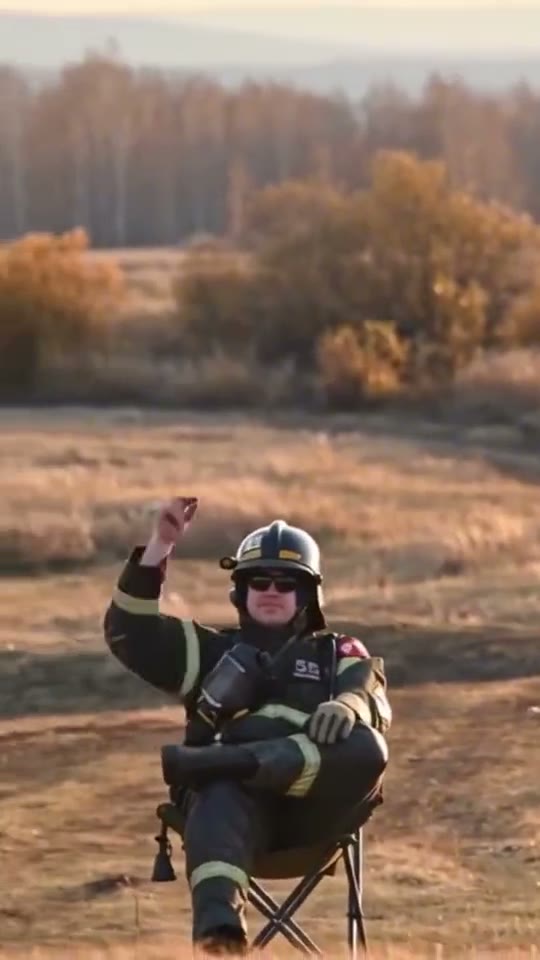
Your Job
Work gear in the chair and your work truck in the air.
 From 1 photo
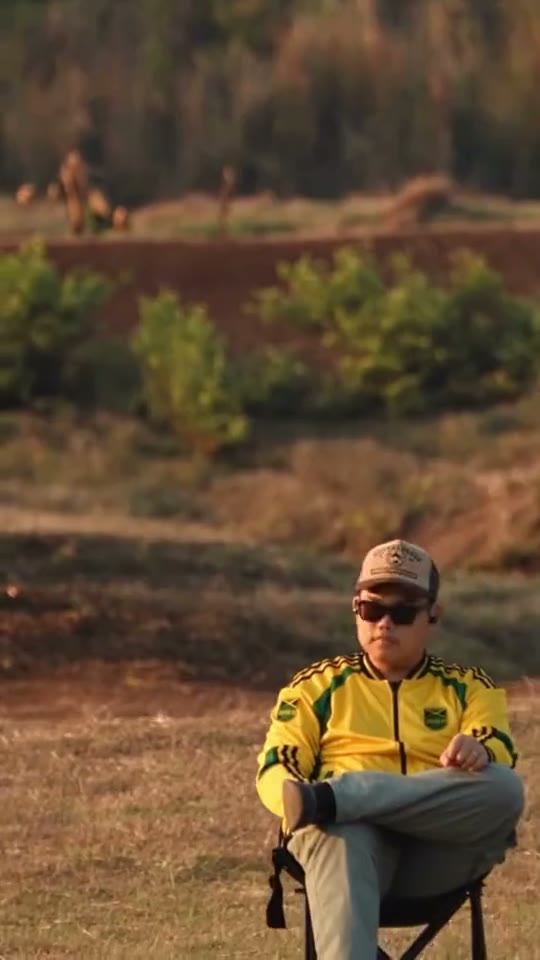
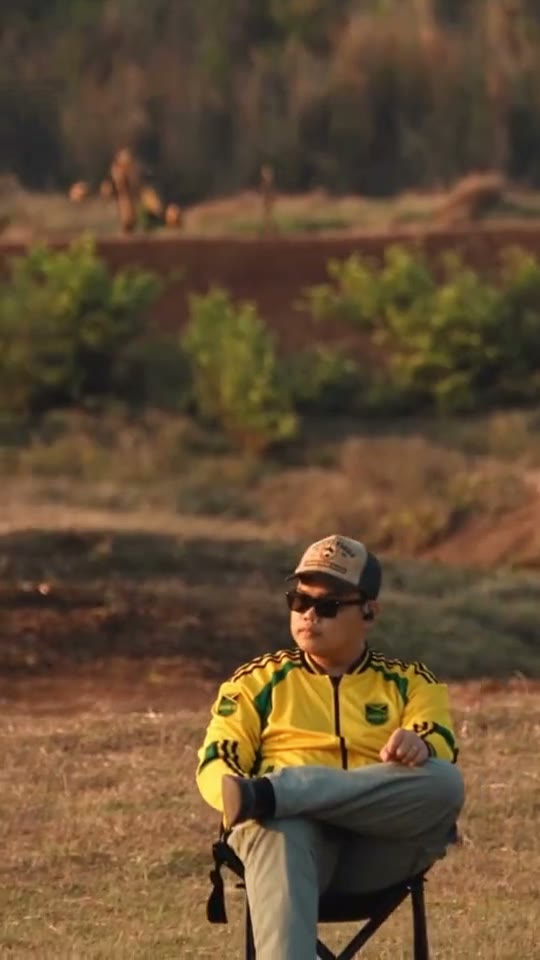
Your Team
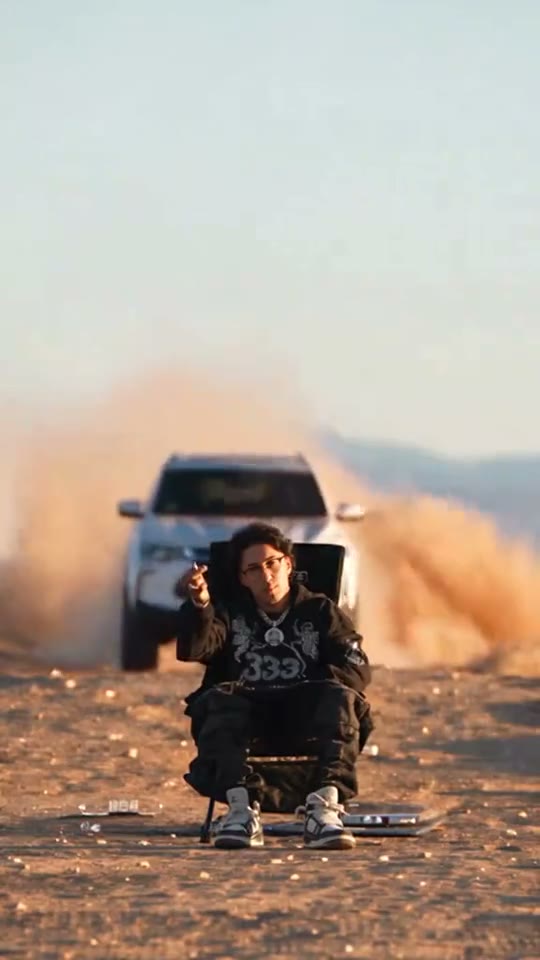
Your jersey in the chair and a white off-roader overhead.
More Car Jumps People Make
Any clear photo works, as long as you have the OK. Switch on Prompt and describe the car you want in the air.
G Wagons, Pickups, Your own car, Fire trucks, Couples, Birthdays
Tips for a Better Desert Car Jump Video
The photo decides how much the person in the chair looks like you. A sharp, well lit, full body photo keeps your face and outfit right while sand flies everywhere. These four simple habits fix most results that come out looking off.
Show the Whole Body
A full length photo, ideally sitting, keeps your proportions right in the chair.
Name the Car
Switch on Prompt and describe the car: color, model, even your own.
Use Warm Light
Daylight photos blend best with the golden desert light.
Only Use Photos You May Use
Your own, or an adult’s who agreed. No children or photos of people without their OK.
The Easiest Way to Do Desert Car Jump AI: One Photo
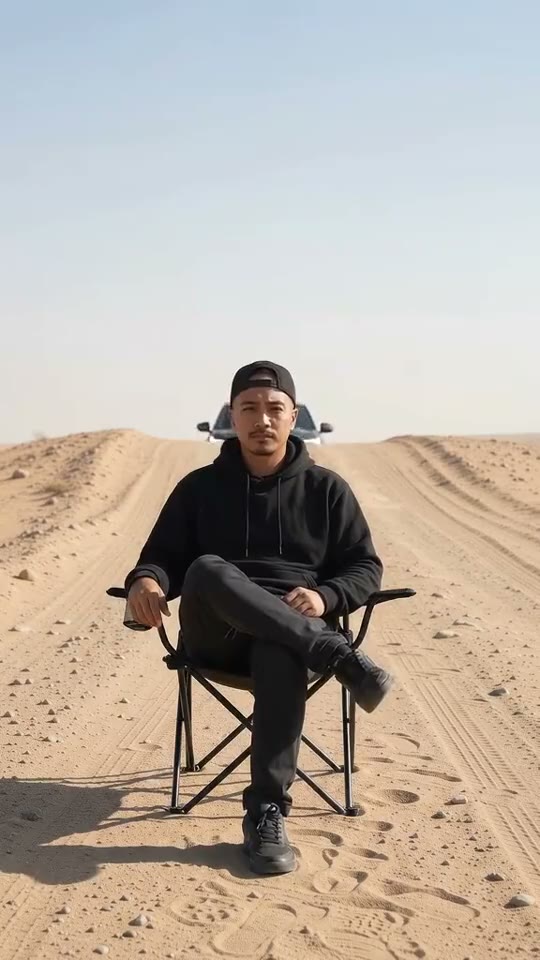
SlapClip recasts the person in the chair from one photo instead of pasting a face onto a template, keeps the jump, the dust and the timing, shows the exact price before you start and refunds every failed render automatically. There is no CapCut template to find and no prompt to write.
 Your photoYour video
The Whole Person, Not a Face
Face, hair, outfit and build come from your photo, in the chair.
- The Original
The Real Jump
The car follows the clip you picked, from takeoff to landing.
- Scan for phone photosOn your phone
Phone or Computer
On a computer? Scan a code and the photos on your phone show up here in seconds. When the video is done, scan again to open it on your phone and post.
480pquick test
720pready to post
1080psharpest
Pick Your Quality
480p for a quick test, 720p to post, 1080p when it has to look sharp. Choose for each video, and a failed render costs you nothing.
Desert Car Jump Video: Your Options Compared
There are three ways to make it: SlapClip recasts the clip from your photos, a CapCut template pastes a face onto the original, or you set up an AI video model yourself.
| SlapClipRecommended | CapCut face swap | By hand in an AI video tool | |
|---|---|---|---|
| What changes | The whole person: face, hair, outfit and build | Only the face | The whole person |
| Moves, camera and timing | Kept from the clip | The original footage | Often drift; expect several tries |
| What you need | Your photos; the clip is ready | The app and a template | The clip, a prompt and an editor |
| Ready in | 3 to 8 minutes | A few minutes | Hours, with retries |
| If a render fails | Credits come back on their own | Free to try again | Depends on the tool |
Simple Pricing. No Subscription.
Buy a credit pack when you want to make videos and top up when it runs out. Nothing renews, and the Generate button shows the exact price before you start.
Starter
Your first video
$9.99one time
- 15 credits · $0.67 each
- About 1 Desert Car Jump AI video at 720p
- 480p, 720p or 1080p
- Most popular
Popular
A few trends, a few friends
$24.99one time
- 45 credits · $0.56 each
- About 4 Desert Car Jump AI videos at 720p
- 480p, 720p or 1080p
Pro
For regular posting
$49.99one time
- 100 credits · $0.50 each
- About 10 Desert Car Jump AI videos at 720p
- 480p, 720p or 1080p
A 10 second Desert Car Jump AI video costs
- 480p5 creditsquick test
- 720p10 creditsready to post
- 1080p30 creditssharpest
Have a clip of your own?
Put yourself into any video with one photo, not just this trend.
More Effects Trends
Try another viral trend with the same photo.
AI Dunk
Cross him up. Fly over him. Tell him about it.
Comedy · 2 examples
24 Card Trend AI
Flash the 2 and the 4. Land somewhere else.
Effects · 8 examples
Giant Ramp Climbing AI
Run up the dam wall, flip off the top, slide back down.
Effects · 6 examples
Phone on the Train AI
Your phone rides the train. You run after it.
Comedy · 8 examples
Window Peeper AI
A lit window at night, a burger, and you staring back.
Comedy · 7 examples
Damon Salvatore Church Scene AI
Walk into the church. Every head turns. Then the smirk.
Comedy · 7 examples
Ozil Goal AI
Chip the keeper, wait, watch two defenders slide past. Score.
Comedy · 8 examples
Giant Hands Dress Up AI
You stand still like a living doll. Giant hands do the styling.
Effects · 8 examples
UNO Card Car AI
Flash a +2 and a +4. When the cards drop, your car is there.
Effects · 8 examples
AI Interview Karen
A video call job interview, one sneaker and a very angry Karen.
Comedy · 8 examples
Explore other kinds of videos
Want a different meme? Every trend is in our AI meme video generator.
Helpful Guides
Tutorials, photo tips and fixes, starting with this trend.
- Step by stepHow to Make the Desert Car Jump AI Video From One Photo (2026)
- Best photosBest Photos for AI Meme Videos: 8 Tips So It Looks Like You (2026)
- IdeasHow Much Does an AI Meme Video Cost? 7 Ways to Spend Fewer Credits (2026)
- Fix a problemAI Video Face Looks Off? How to Fix Faces, Hands and the Wrong Person (2026)
Desert Car Jump AI Questions
Upload one clear photo, keep the desert clip selected and tap Generate. The Desert Car Jump AI video is ready in 3 to 8 minutes, with you sitting calmly in a folding chair while an off-road SUV launches over the dune and flies right over your head.
SlapClip makes them in the browser from one photo, with no app to install. The desert clip is already loaded, so you add your photo and tap Generate. Your face, hair and outfit come from the photo, and the MP4 has no watermark.
Yes. There is nothing to film, cut or key and no prompt to write. Upload one clear selfie or full body photo and tap Generate. A full body photo gives the best result, because the shot shows you sitting in the chair from head to toe.
It is an AI video where someone sits perfectly still in a folding chair in the desert while a heavy SUV launches over a ridge and flies over their head in slow motion. It spread on TikTok from early October 2026, with G Wagons, pickups and fire trucks.
Yes, in words. Switch on Prompt and describe your car: the color, the model and anything special about it, and the car in the air follows your description. Or pick the example with the car closest to yours and tap Recreate to start from it.
No, not here. Every video is a new AI render, and the price shows at checkout before you start. Free CapCut templates paste a face onto the same sample person, so the body, outfit and pose stay the same instead of becoming yours.
Video costs 1 credit per second at 720p, so a 6 to 13 second clip here is 6 to 13 credits: $4 to $8.66 at the smallest pack, $3 to $6.50 at the largest. One Starter pack covers a first video at 720p. Packs are one-time and failed renders are refunded.
It usually takes 3 to 8 minutes, sometimes longer at busy times, and you can leave the page while it renders. The video is as long as the clip you pick, 6 to 13 seconds here, in vertical 9:16 for TikTok, Reels and Shorts.
Yes. Download the MP4 and post it on TikTok, Instagram Reels, YouTube Shorts or anywhere else, with no watermark. Label the clip as AI-generated when you post, which both platforms ask creators to do, and tag it #carjump so people find it.
The credits come back to your balance automatically, with nothing to claim. A render can fail when a photo is unclear or flagged by the safety check; the status card says why, and you can change the photo and try again.
Your Desert Car Jump Video Is 3 to 8 Minutes Away
One photo in; you, cool in the chair while a car flies over your head, out. Failed renders are refunded.
- No charge if a render fails
- No watermark
- Keeps the clip's shape, ready for TikTok and Reels